
Starting a conversation with a client
Write to a client first, from the inbox, their chart, or a video visit.
Who this is for: Clinician, Associate clinician, Scheduler, Practice manager, Practice administrator
Write the first message
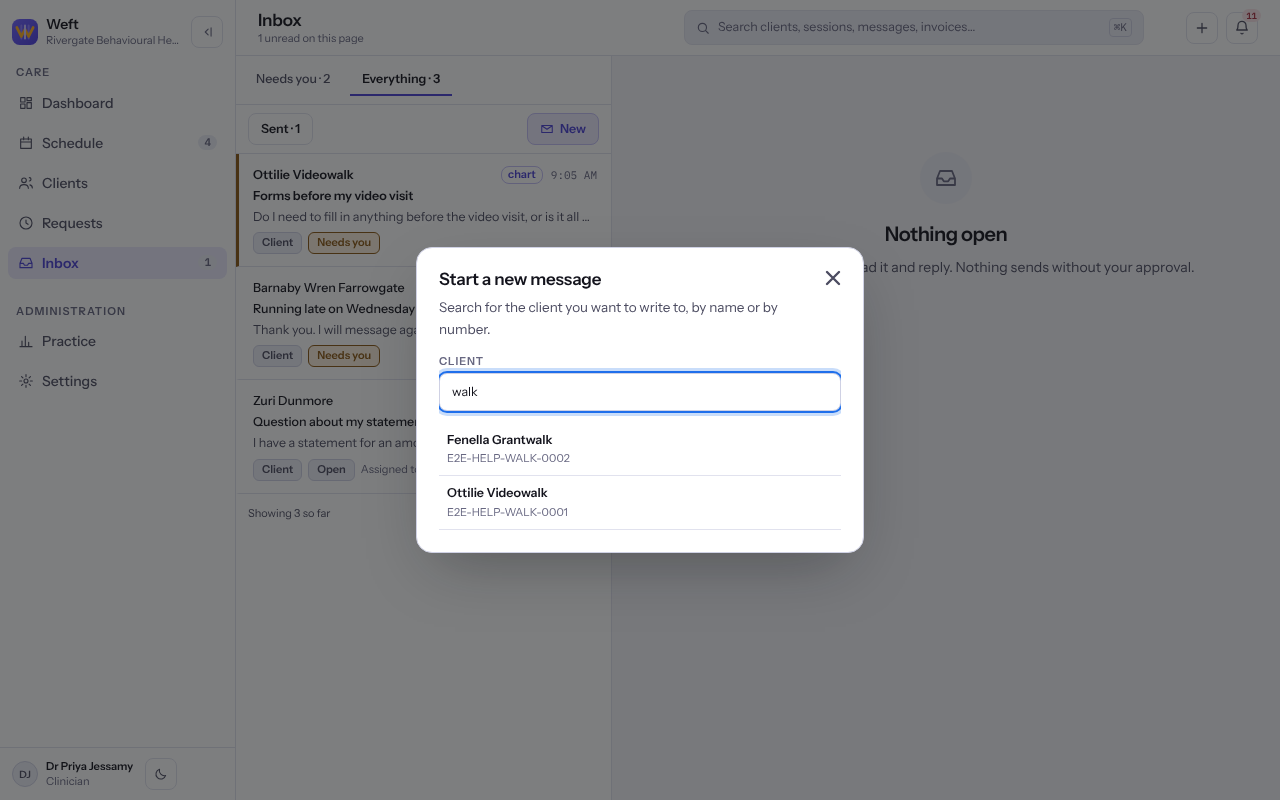
- On Inbox, select New.
- Under Client, search for the client by name or number and choose them.
- If the client already has a conversation with the practice, the sheet says so and your message joins it. Otherwise you may give a Subject, and left blank it reads as a message to the client.
- Write your Message and select Send.
Tip: You can also write from the Messages area of the client's chart, and from the Messages tab during a video visit. It is the same conversation in each place.
Note: The client reads and answers in their portal, so they need portal access. See Giving a client access to the client portal.
Last checked against Weft on 07 Oct 2026. Something on your screen reads differently? Tell us at support@weftary.com.