Messaging your practice
Write to your care team or practice support, attach a file, and read their replies.
Who this is for: Client
Write a message
- Select Messages.
- Under Who this goes to, check who will read it.
- Type in Write a message to your care team. To add a file, select Attach a file.
- Select Send. Replies appear in the same conversation.
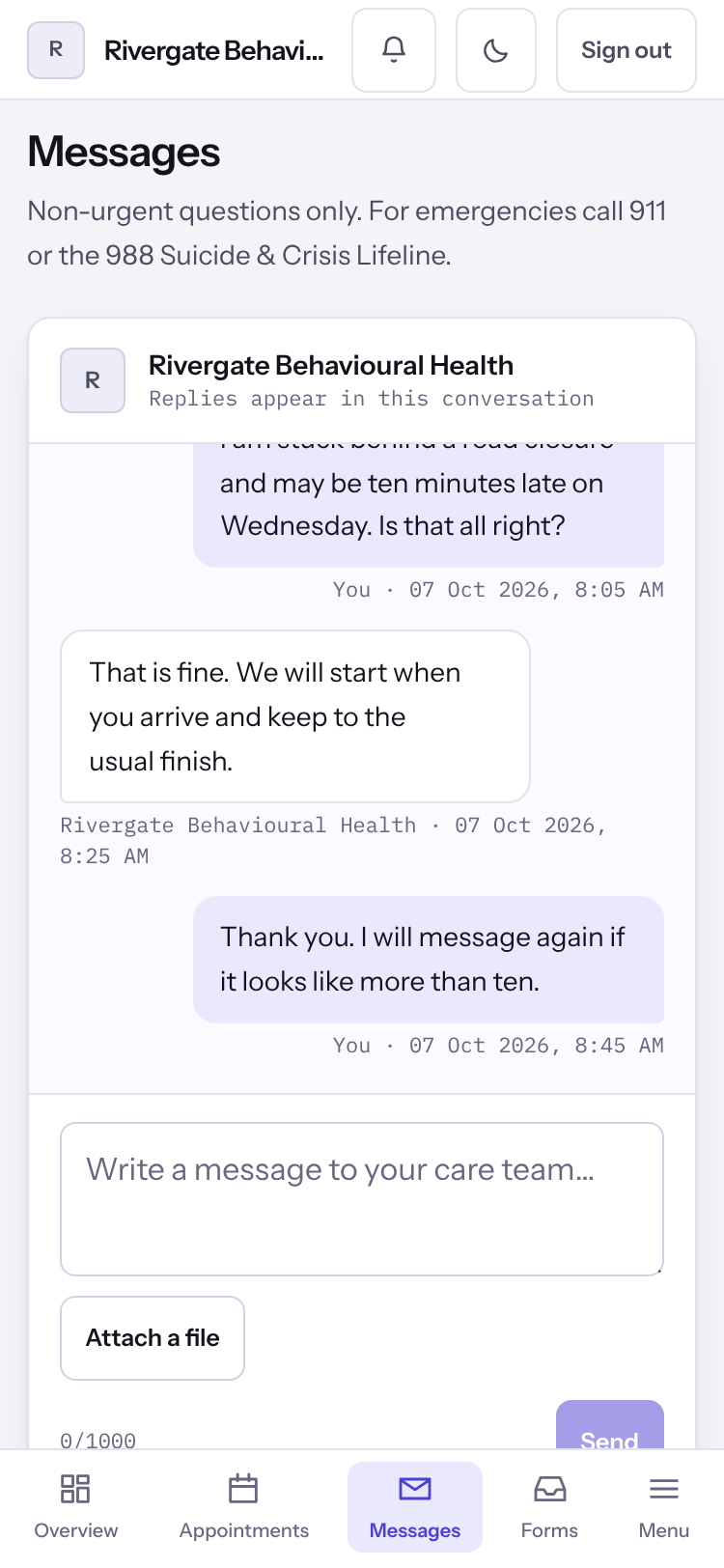
Important: Messages are for non-urgent questions. In an emergency call 911 or the 988 Suicide & Crisis Lifeline.
Note: A reply marked Drafted with AI was suggested by a computer, then read, edited if needed and sent by somebody at your practice.
Last checked against Weft on 07 Oct 2026. Something on your screen reads differently? Tell us at support@weftary.com.
Common questions
I look after somebody else's account. Can I write?
A parent, guardian or other person acting for a client can read the conversation. Writing is for the client to do.