Reading documents your practice shared
Open a letter, report or other document your practice shared with you.
Who this is for: Client, Parent or guardian
Read a shared document
- Select Documents. Everything under Shared with you is what your practice chose to share.
- Open a document to read it.
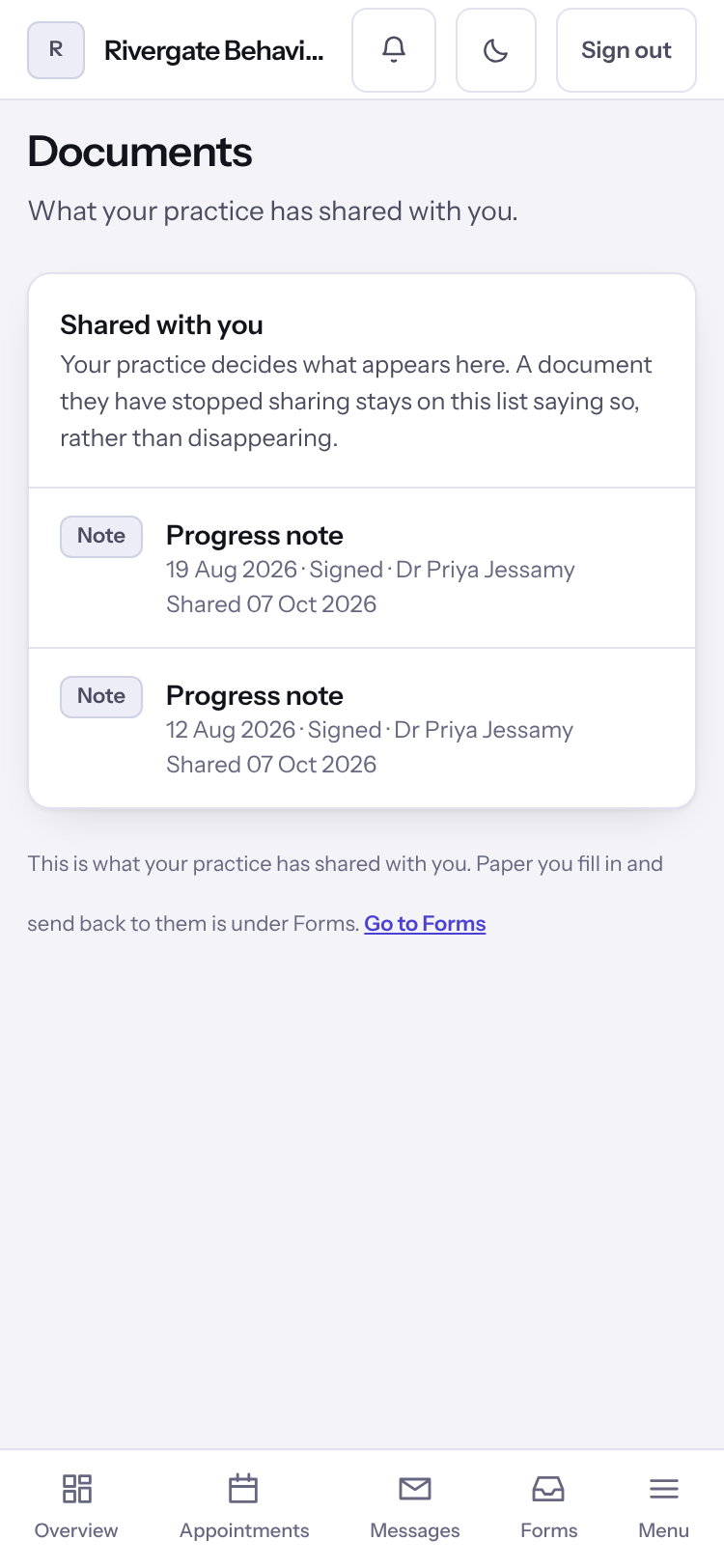
Note: A document your practice has stopped sharing stays on the list marked No longer shared. Paper you fill in and send back is under Forms.
Last checked against Weft on 07 Oct 2026. Something on your screen reads differently? Tell us at support@weftary.com.