
Reading and agreeing to your practice's documents
Read a document your practice asks you to agree to, such as a consent to treatment, and agree to it on screen.
Who this is for: Client
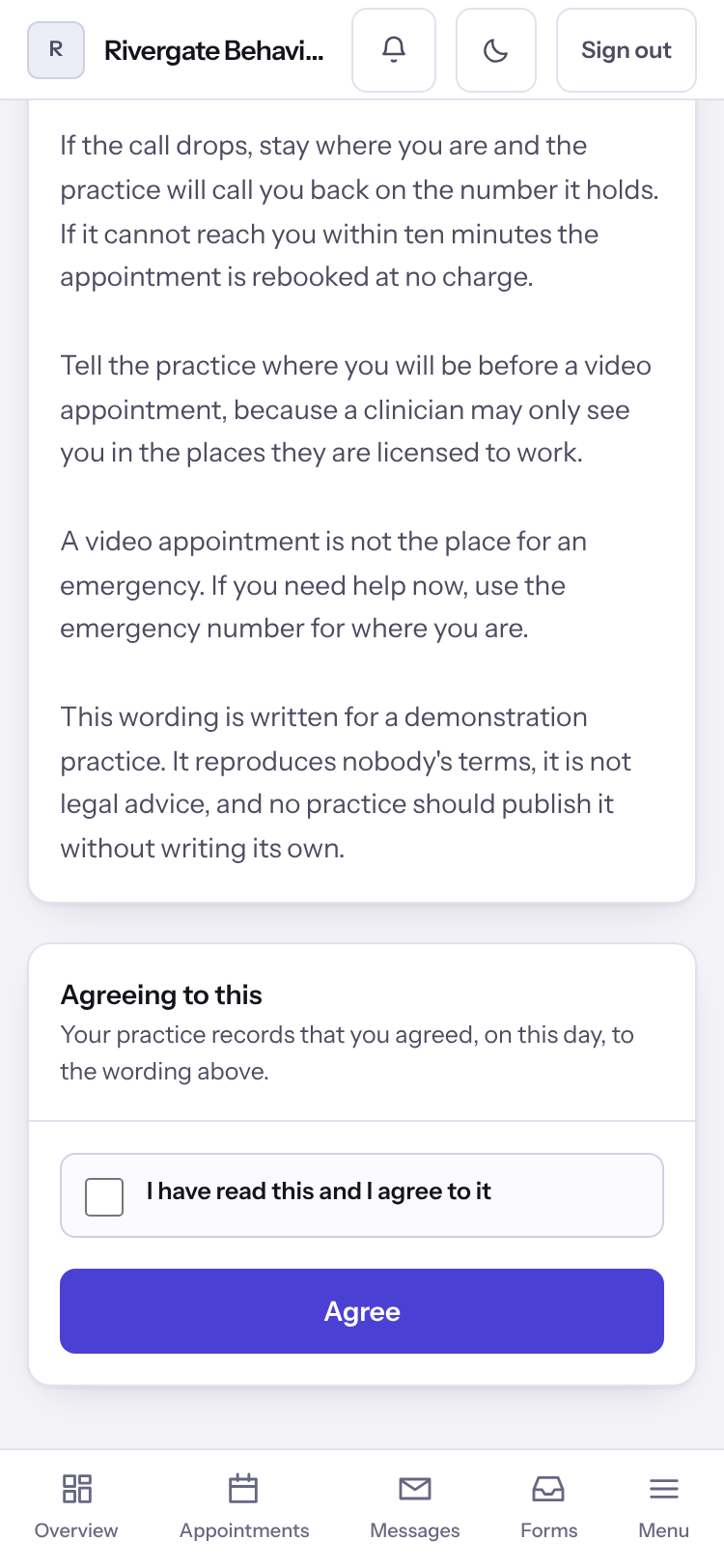
Agree to a document
- Select Agreements. A document marked To read and agree is waiting for you.
- Open it and read it through.
- Tick I have read this and I agree to it, then select Agree.
Note: Everything you have agreed to stays on this page to read, including earlier versions.
Last checked against Weft on 07 Oct 2026. Something on your screen reads differently? Tell us at support@weftary.com.