Choosing what your portal tells you about
Choose which notifications reach you from your practice, and whether in the portal, by email or with a sound.
Who this is for: Client, Parent or guardian
Choose your notifications
- Select Notifications.
- For each kind, turn In the portal, By email and With a sound on or off.
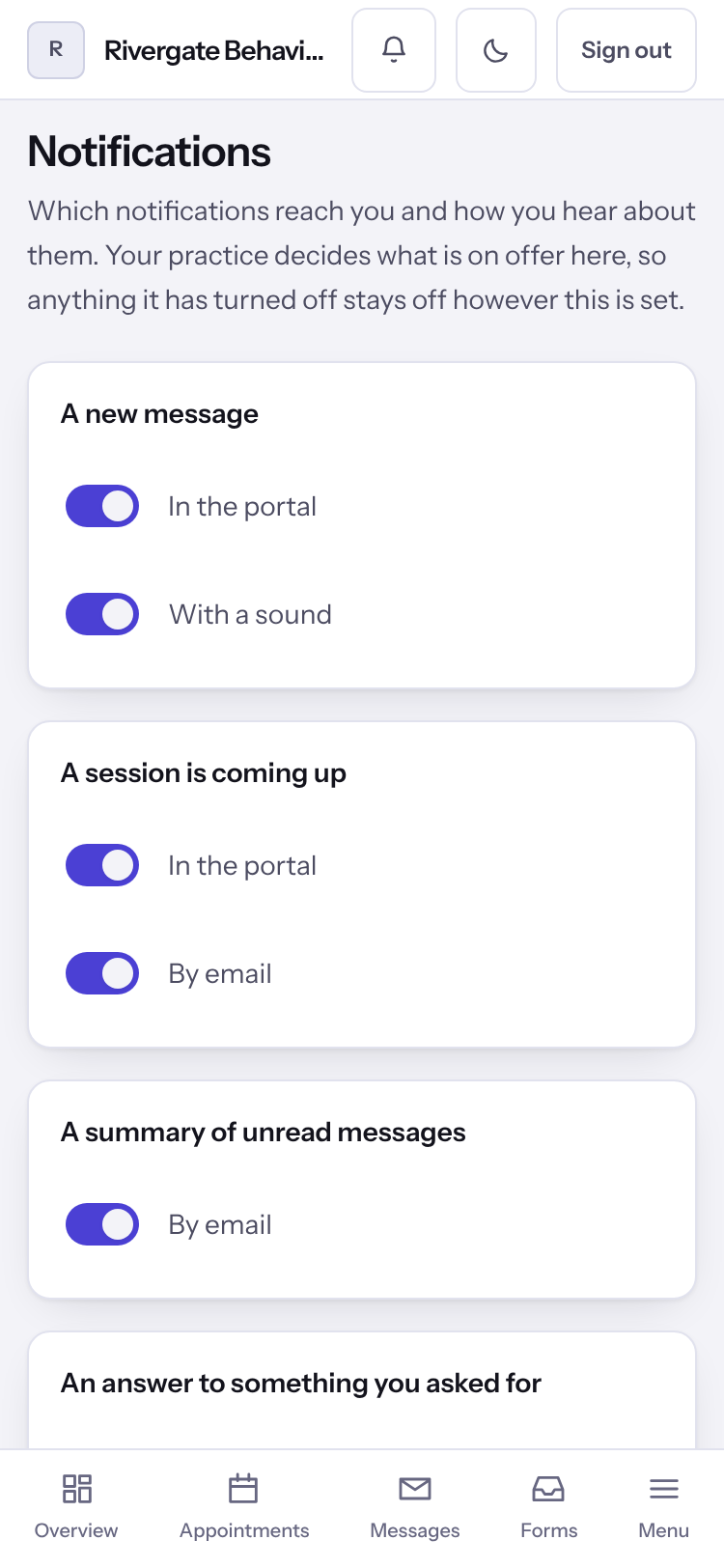
Note: Anything your practice has turned off shows Your practice has turned this off and stays off.
Last checked against Weft on 07 Oct 2026. Something on your screen reads differently? Tell us at support@weftary.com.