Filling in a form your practice sent
Fill in a form or questionnaire on screen, come back to one you started, or send back a paper copy.
Who this is for: Client
Fill it in on screen
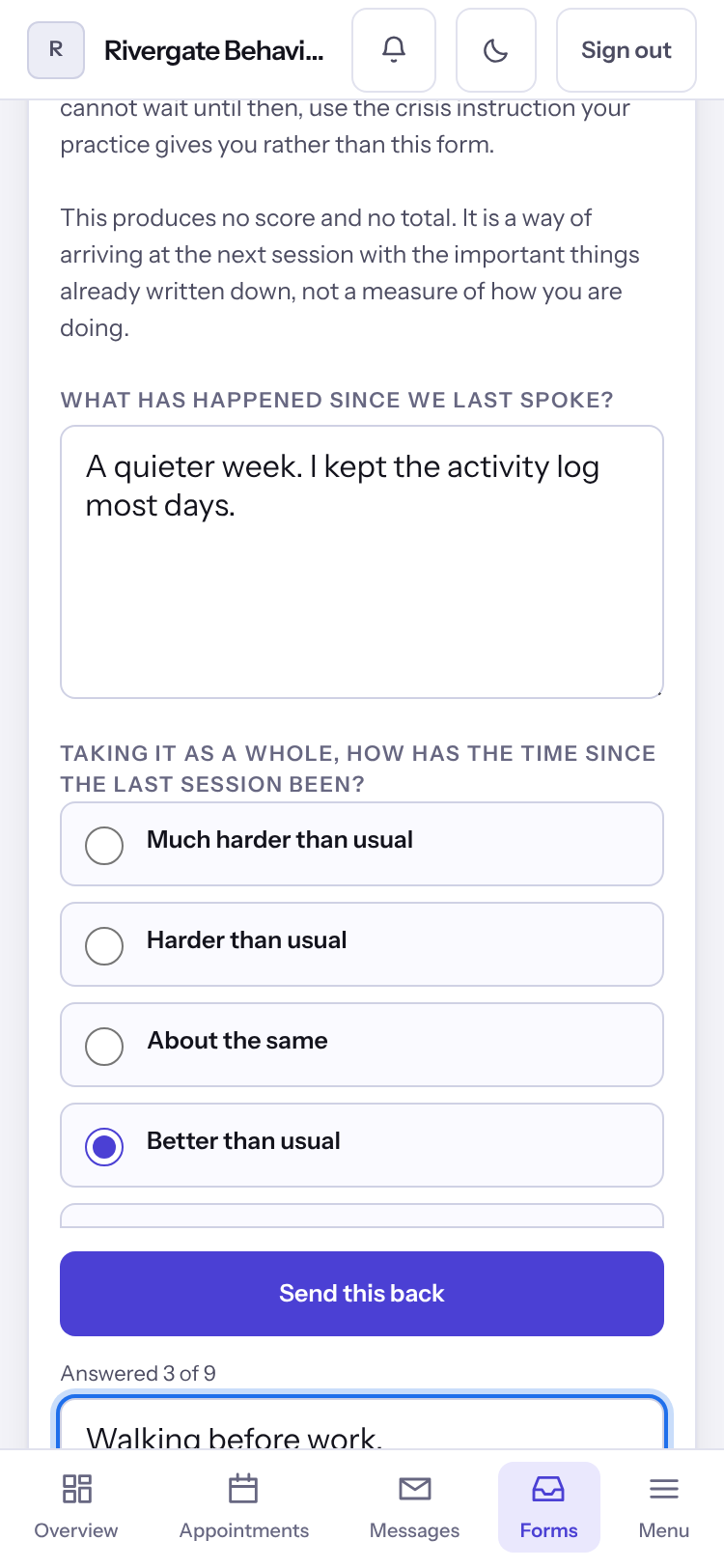
- Select Forms. What your practice asked for is under Asked of you, marked To fill in or Done.
- Select a form and answer the questions. What you type is kept as you go, so you can leave and come back to finish.
- Select Send this back.
Note: A form past the day it was asked for is still open. You can fill it in and send it back.
Send back a paper copy
- Under Paper to print and send back, select Download it to print and fill it in.
- Select Photograph the filled sheet or Choose a file.
- Under Which form is this?, choose the form it answers, and select Send this copy.
Last checked against Weft on 07 Oct 2026. Something on your screen reads differently? Tell us at support@weftary.com.