
Refunding a payment
Send all or part of a payment back to the client.
Who this is for: Biller, Practice manager, Practice administrator
Send money back
- Open the client and select Payments in the chart's rail.
- Under Payments, select Refund beside the payment.
- Under Amount to send back, leave the whole payment or change it to send part back.
- Select Send back followed by the amount.
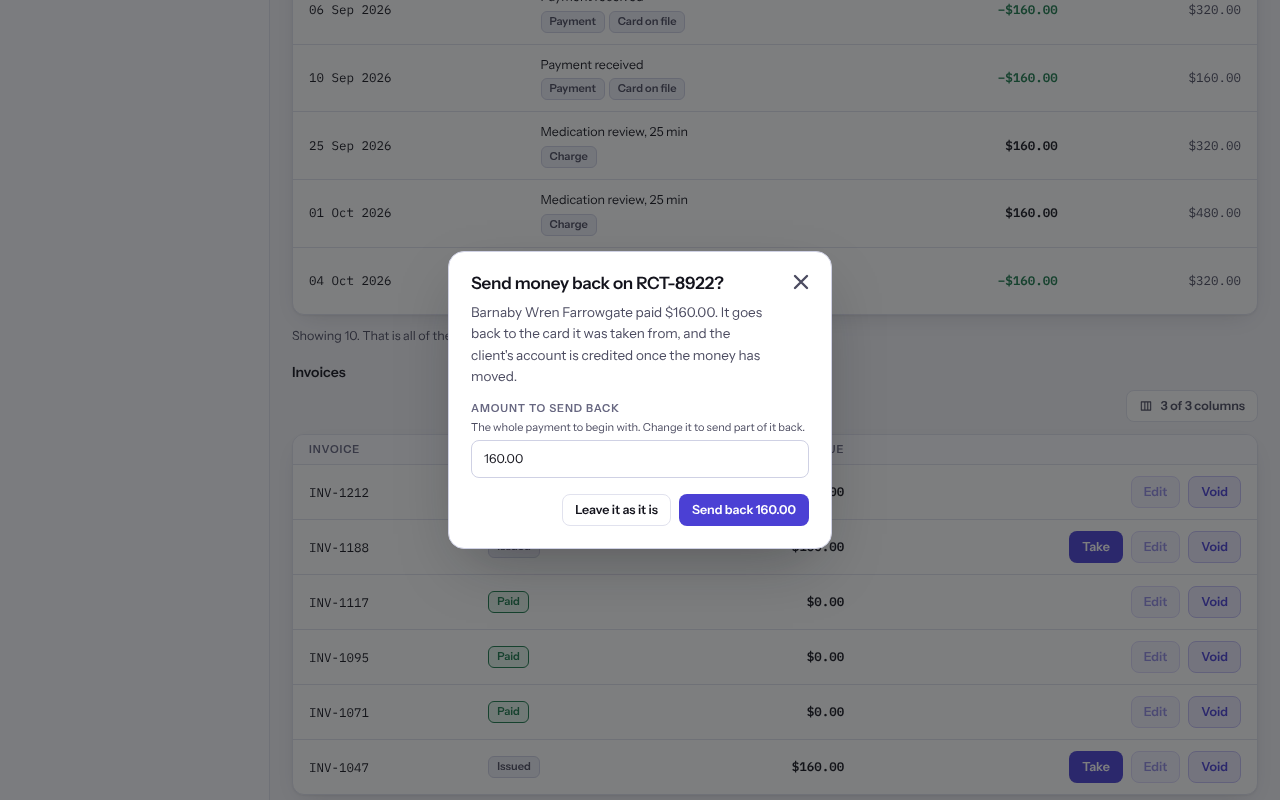
Note: A card refund goes back to the card it was taken from, and the client's account is credited once the money has moved. For cash or a cheque, you hand the money back yourself and Weft records it.
Last checked against Weft on 07 Oct 2026. Something on your screen reads differently? Tell us at support@weftary.com.