
Correcting a client's details
Put right a name, date of birth, contact detail or referral typed wrongly at registration.
Who this is for: Scheduler, Clinician, Practice manager, Practice administrator
Correct the details
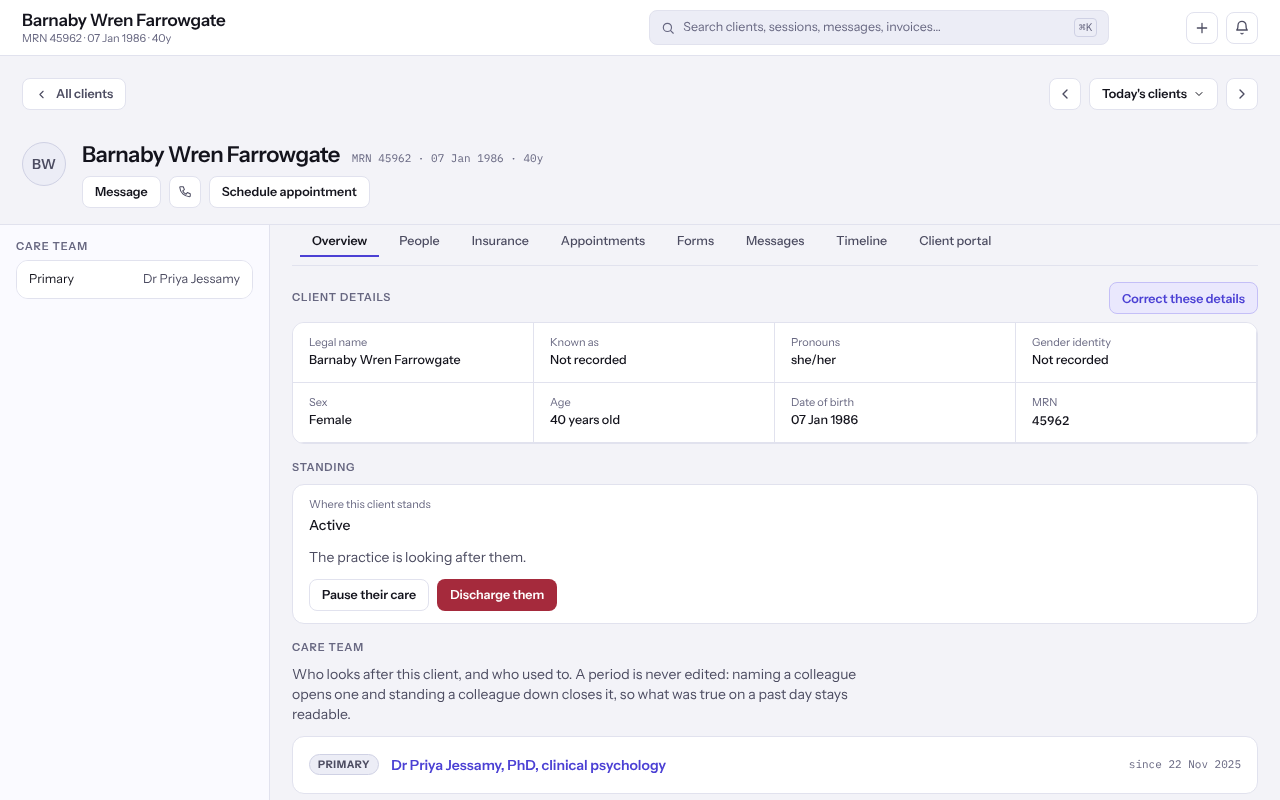
- Open the client from Clients. Their chart opens on Overview.
- Under Client details, select Edit. The details become a form in place.
- Change only what is wrong. Anything you leave alone is not sent.
- Select Save, or Cancel to leave everything as it was.
Note: How soon were they asking to be seen? records what they said when they first got in touch, not where they stand now.
Last checked against Weft on 07 Oct 2026. Something on your screen reads differently? Tell us at support@weftary.com.