
Countersigning a supervisee's note
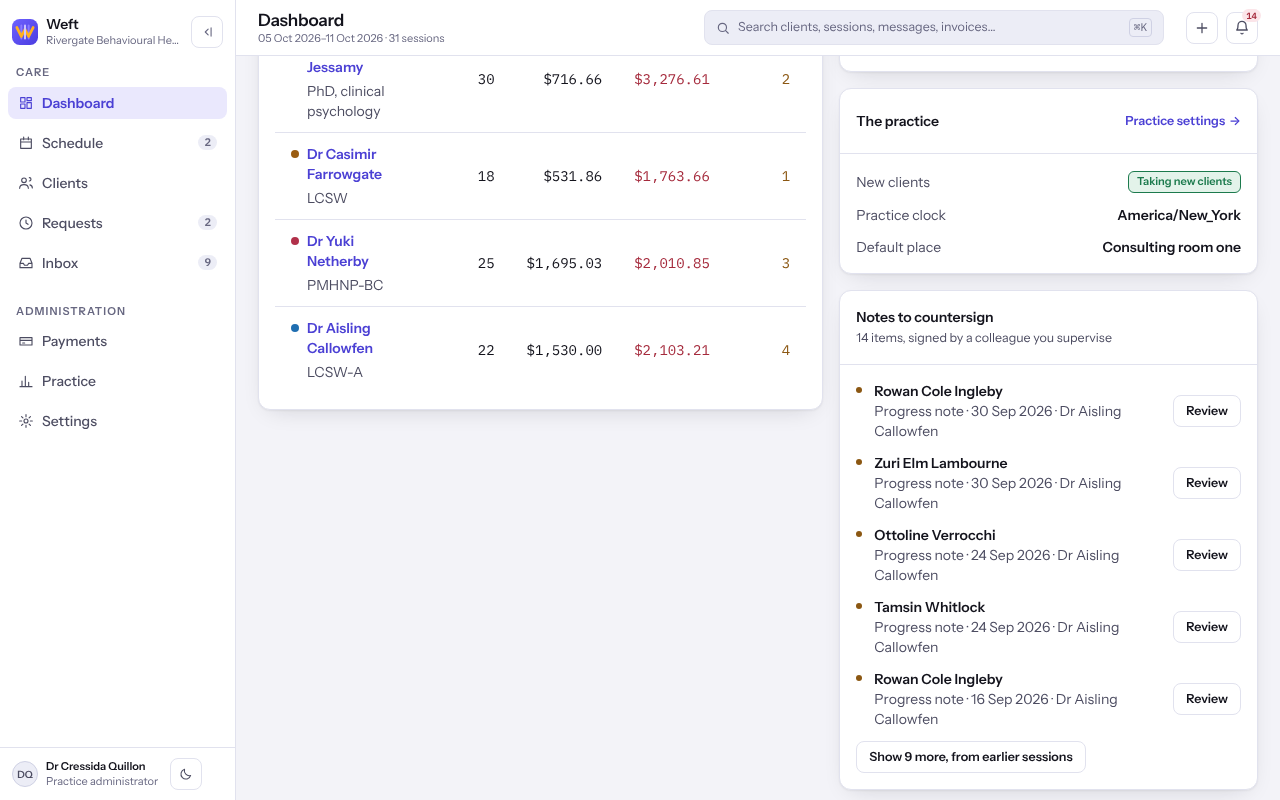
Find the notes waiting on your countersignature and countersign them.
Who this is for: Clinician, Practice administrator
When a colleague you supervise signs a note, it waits for you.
Countersign
- On your Dashboard, find Notes to countersign.
- Select a note to open it and read it through.
- Select Countersign the note, read Countersign this note? and select Countersign the note again.
- Select Back to the notes to countersign for the next one.
Note: You cannot edit a supervisee's note. Only the clinician who wrote it can correct it, and a corrected version comes back to you to countersign on its own.
Last checked against Weft on 07 Oct 2026. Something on your screen reads differently? Tell us at support@weftary.com.