
Choosing how a signed note is corrected
Decide whether clinicians correct a signed note with an addendum, a superseding note, or either.
Who this is for: Practice administrator, Clinician
Choose the correction
- Select Settings, then Clinical defaults.
- Under How a signed note may be corrected, choose Both, An addendum only or A superseding note only.
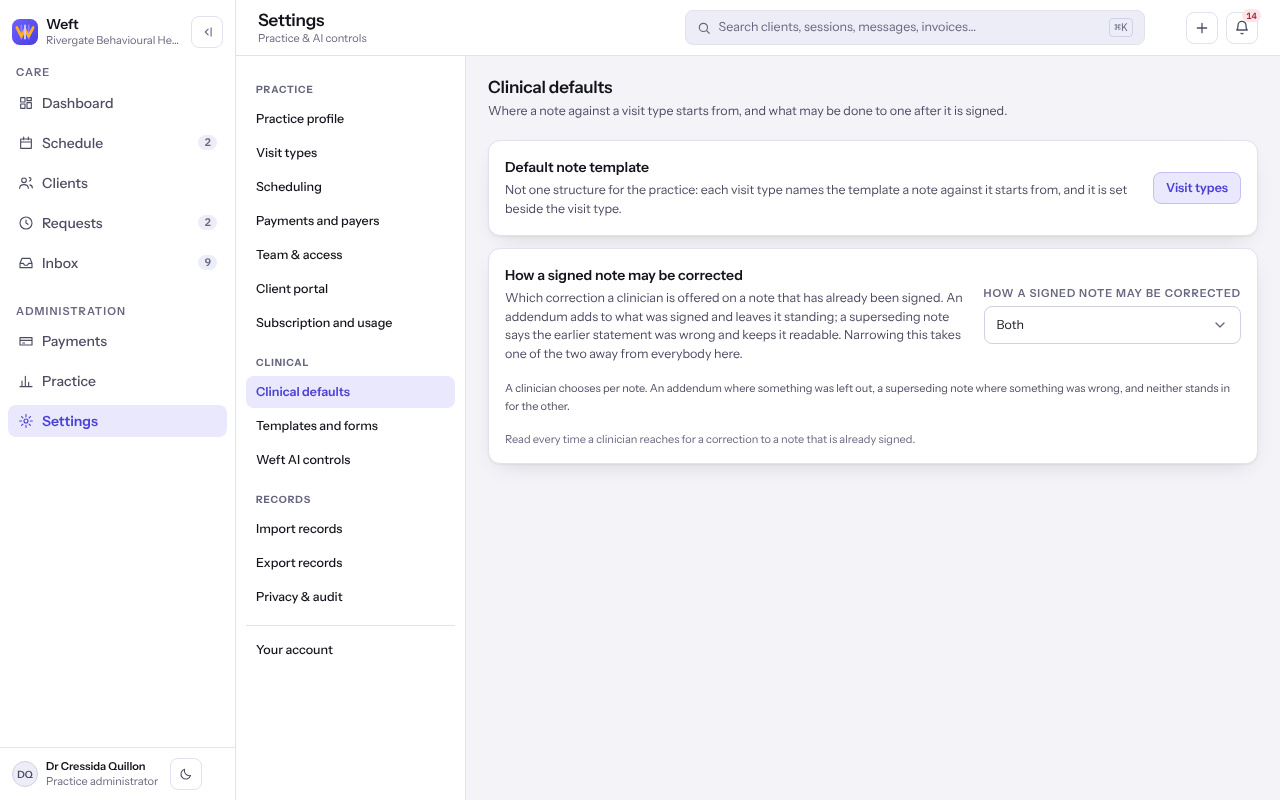
Tip: The template a note starts from is set per visit type. Select Visit types under Default note template.
Last checked against Weft on 07 Oct 2026. Something on your screen reads differently? Tell us at support@weftary.com.