
Reading the terms, privacy policy and BAA
Open the published agreements from the practice sign-up form.
Who this is for: Practice administrator
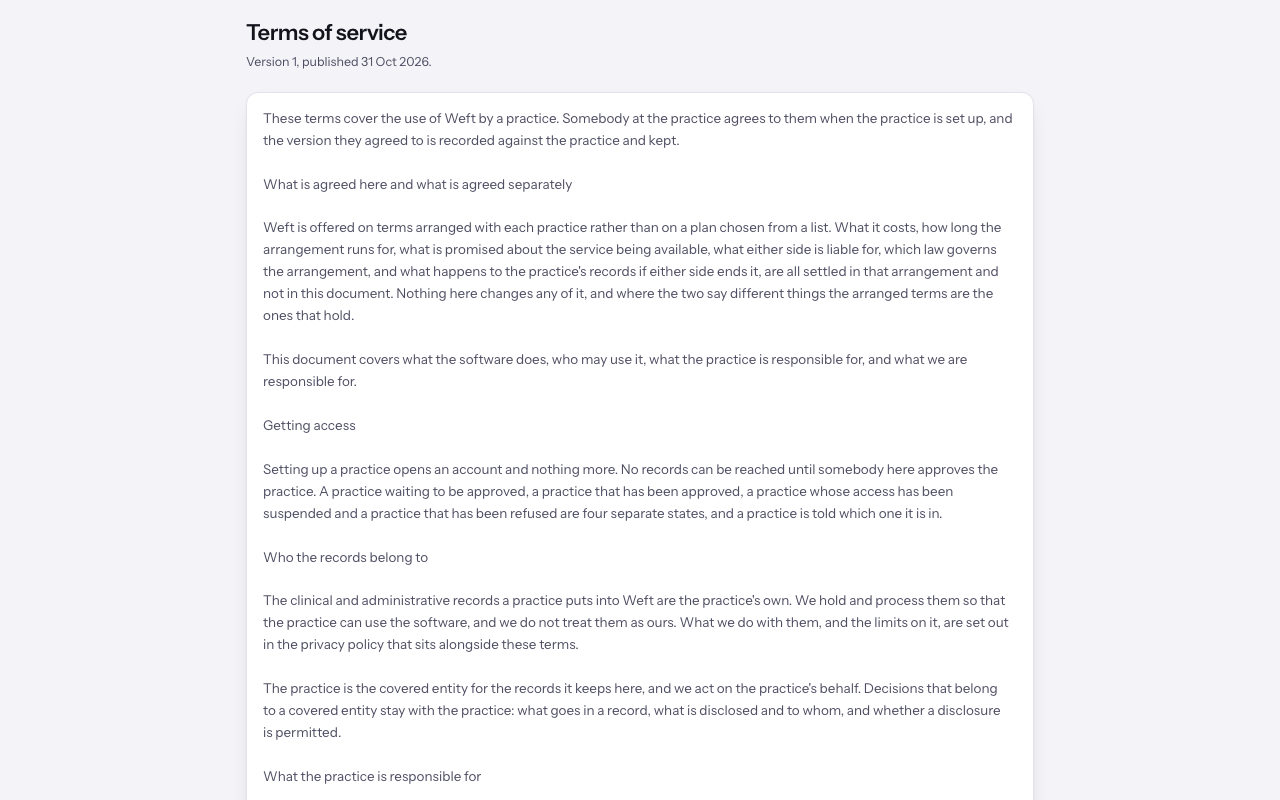
Read the terms
- On the practice sign-up form, select the terms link in the agreement acceptance sentence. It opens the published terms in a new tab, with the version and publication date.
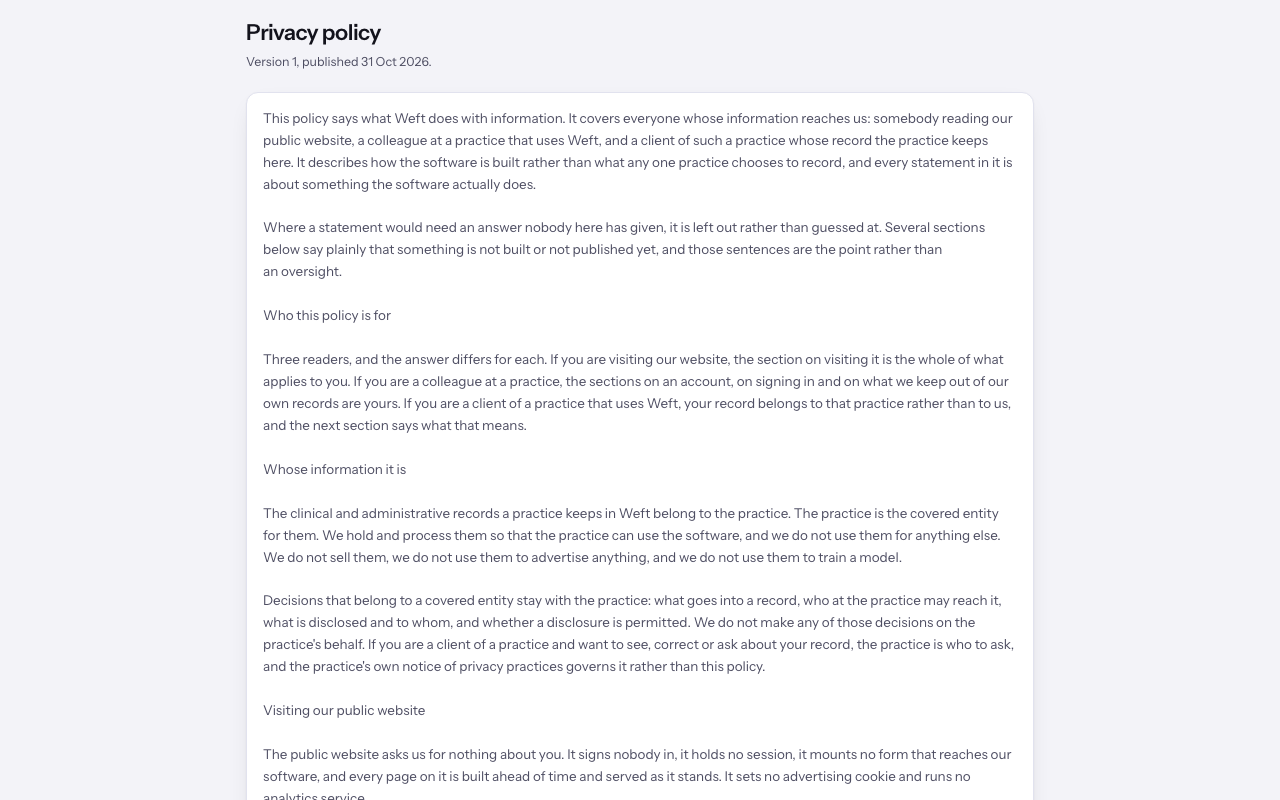
Read the privacy policy
- Select the privacy policy link in the same sentence to read its published version.
Read the BAA
- Select the business associate agreement link in the same sentence to read the BAA. If an older version is no longer current, follow the current-version link shown on that page.
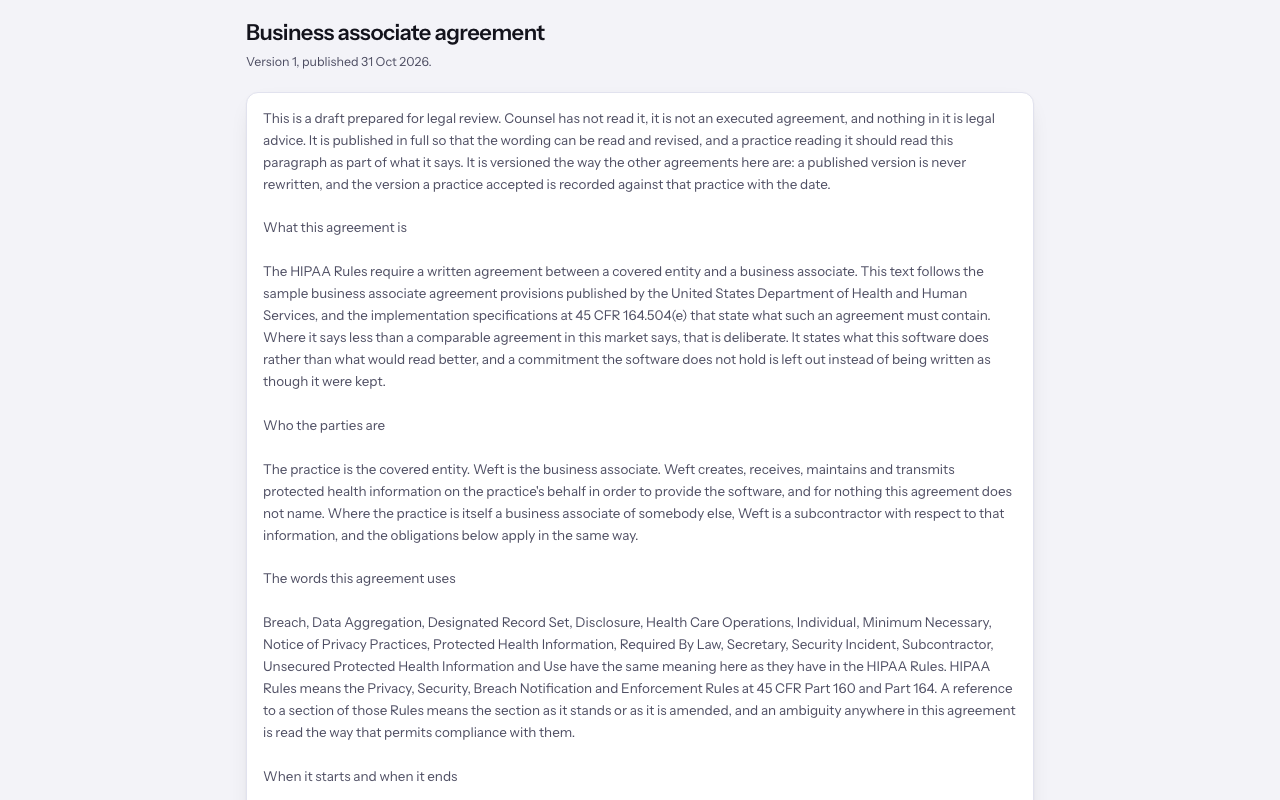
Important: The business associate agreement opens with a paragraph saying what stage it is at. Read that paragraph before you rely on the agreement, and ask us if it says the text is still under review.
Last checked against Weft on 31 Oct 2026. Something on your screen reads differently? Tell us at support@weftary.com.