
Staying signed in: the session warning and lock
Recognize the session warning and return after being signed out.
Who this is for: Everyone at the practice
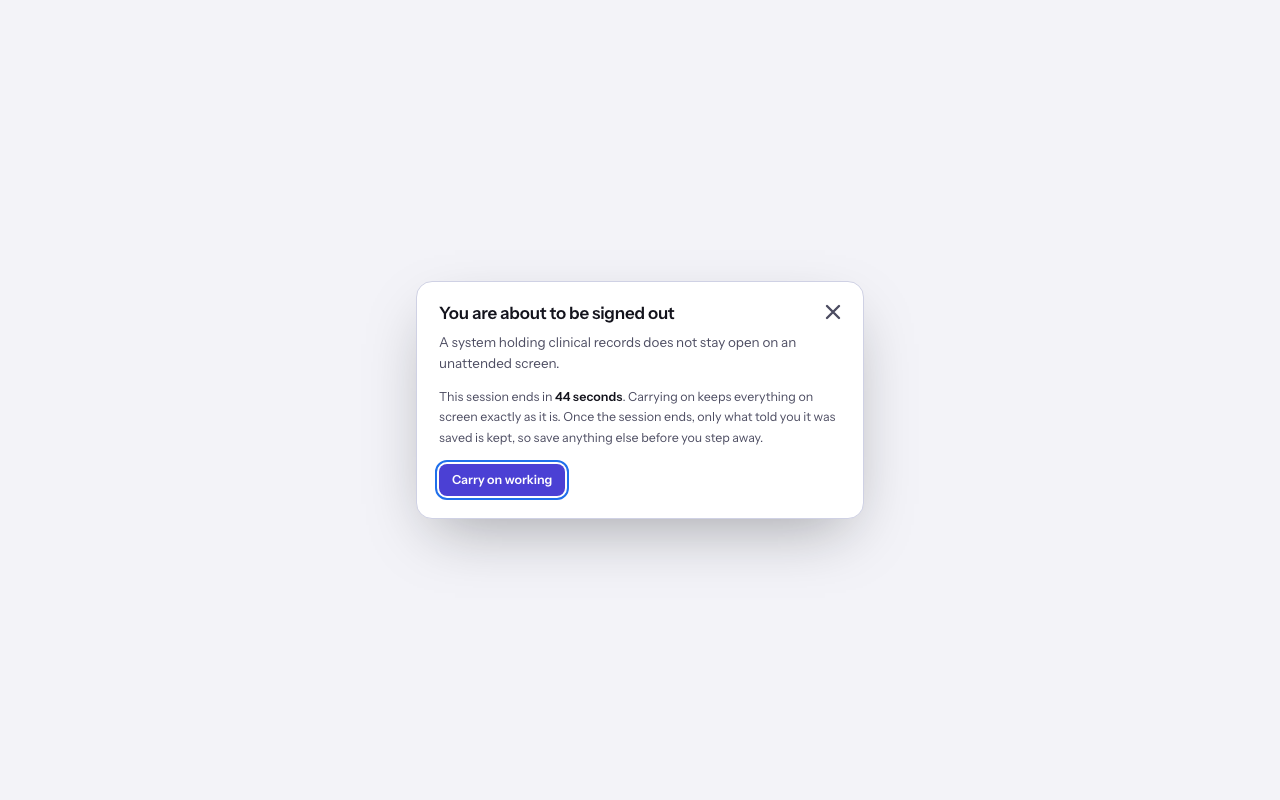
Carry on working
- When You are about to be signed out appears, select Carry on working to continue the session.
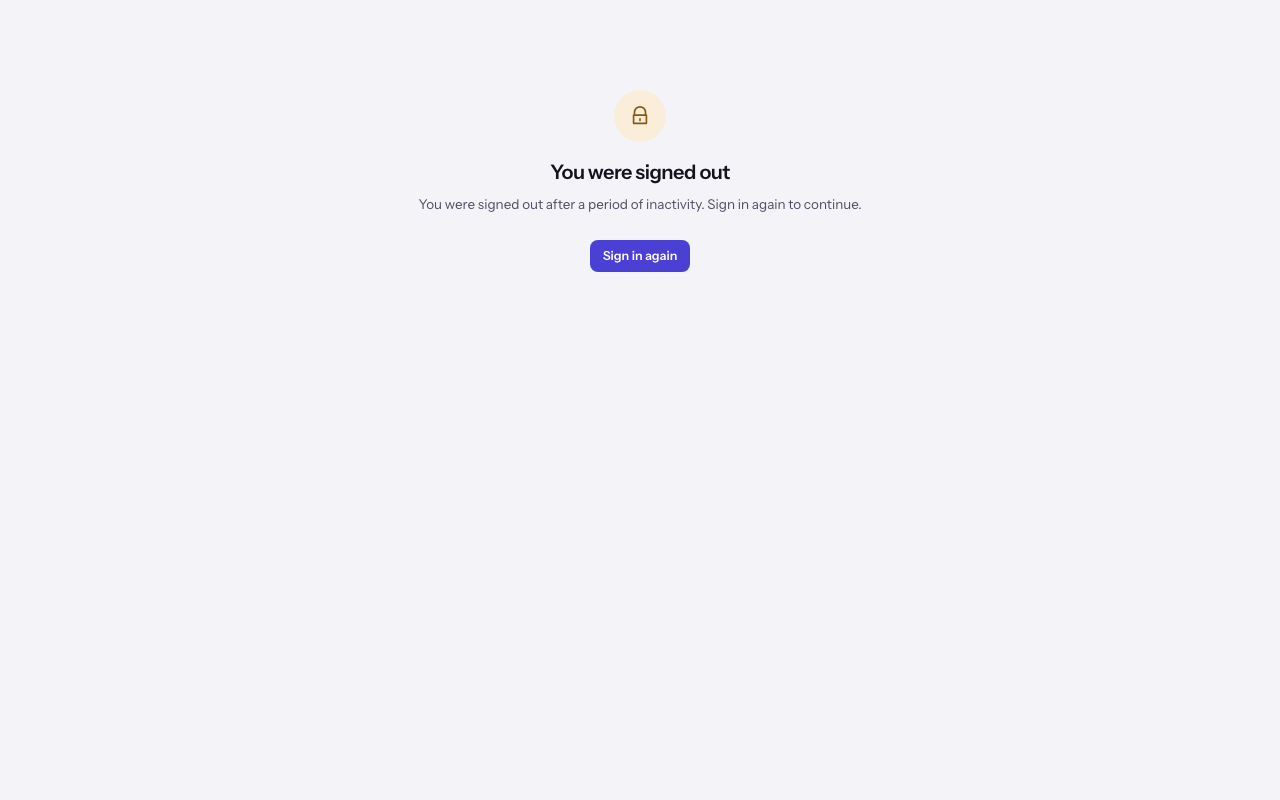
Return after the session ends
- If the session ends, You were signed out replaces your work. Select Sign in again and follow Signing in.
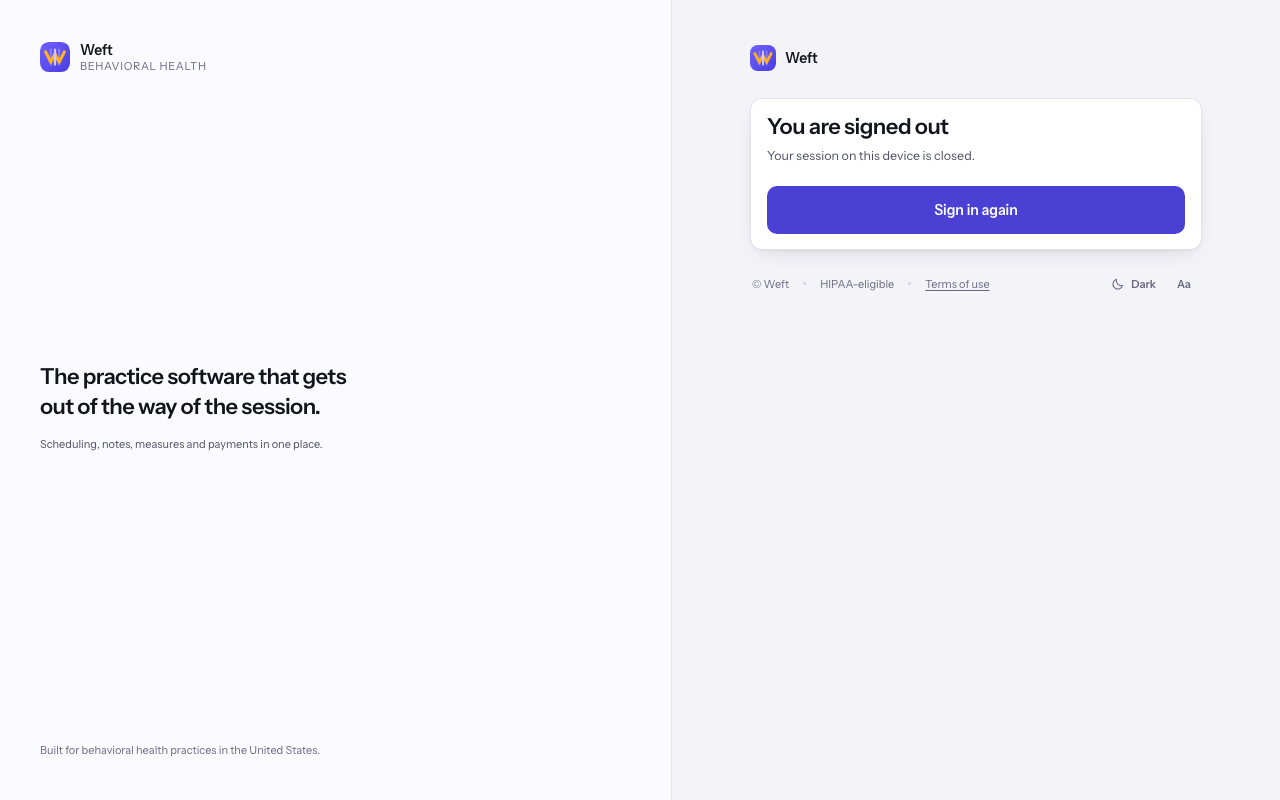
Sign out deliberately
- Use the account menu to sign out. You are signed out confirms you have left; select Sign in again when you want to return.
Last checked against Weft on 31 Oct 2026. Something on your screen reads differently? Tell us at support@weftary.com.