
Updating your account and picture
Find your account settings and choose a profile photo.
Who this is for: Everyone at the practice
Open your account
- Open Settings, then Your account. Read Your profile and choose Appearance, Notifications or Security for those settings.
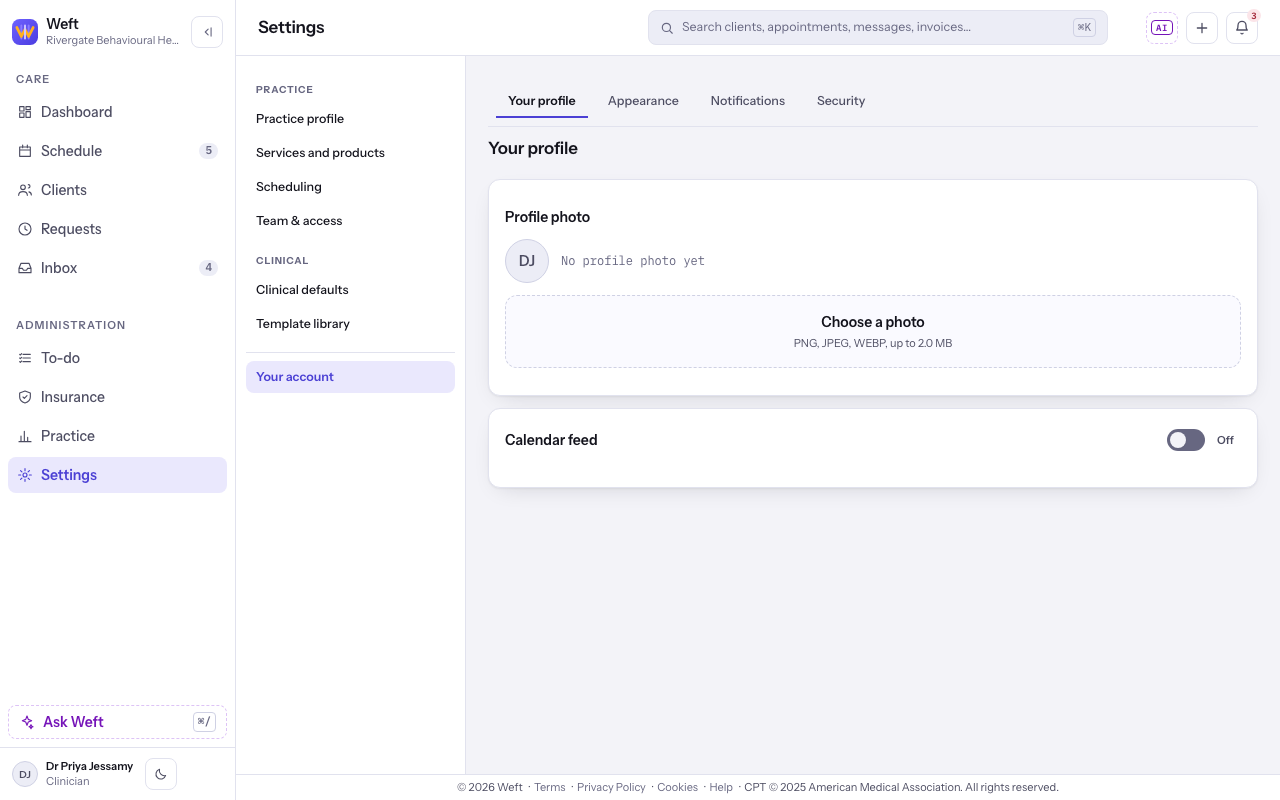
Choose your picture
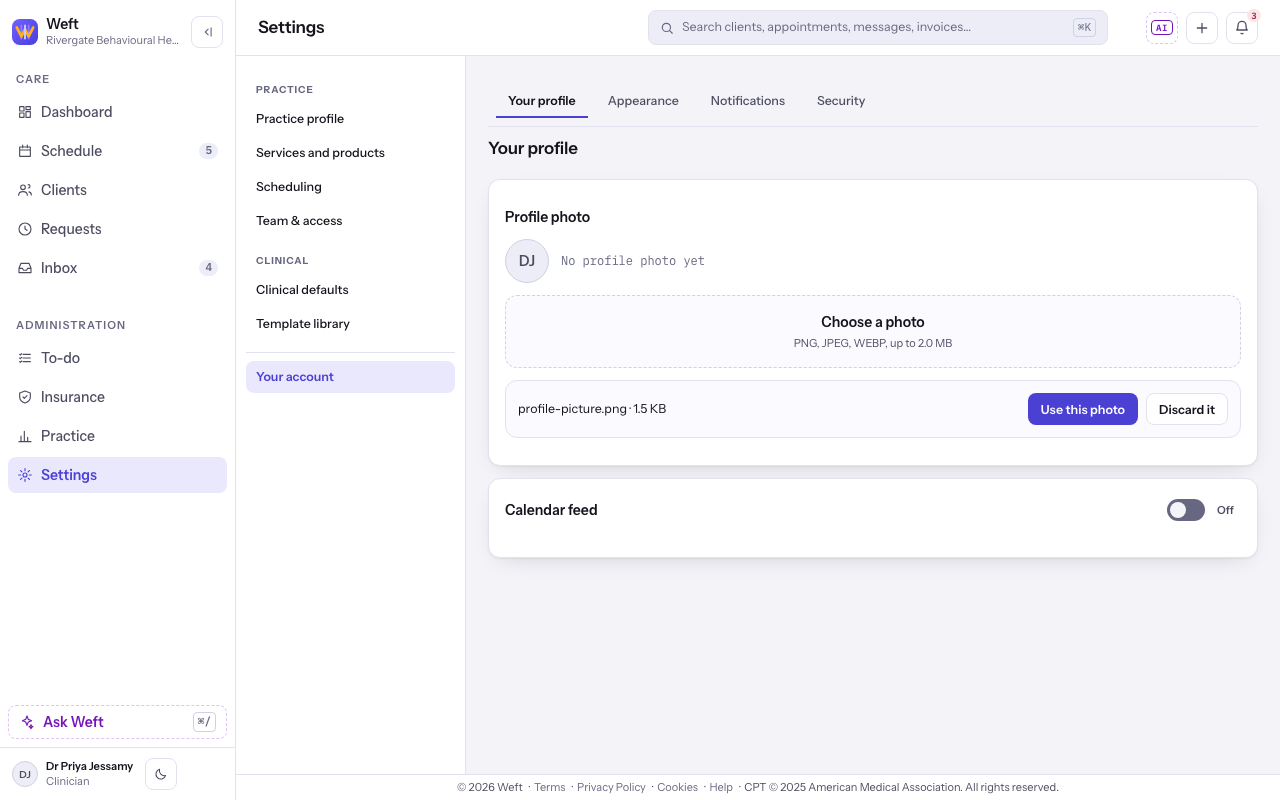
- Under Profile photo, select Choose a photo and choose an image in your system file picker. Check the selected file, then select Use this photo to save it or Discard it to leave it unused.
Last checked against Weft on 31 Oct 2026. Something on your screen reads differently? Tell us at support@weftary.com.