
Resetting your password
Ask for a reset link from the sign-in screen and choose a new password.
Who this is for: Everyone at the practice
Ask for a reset link
- On the sign-in screen, select Forgotten your password?
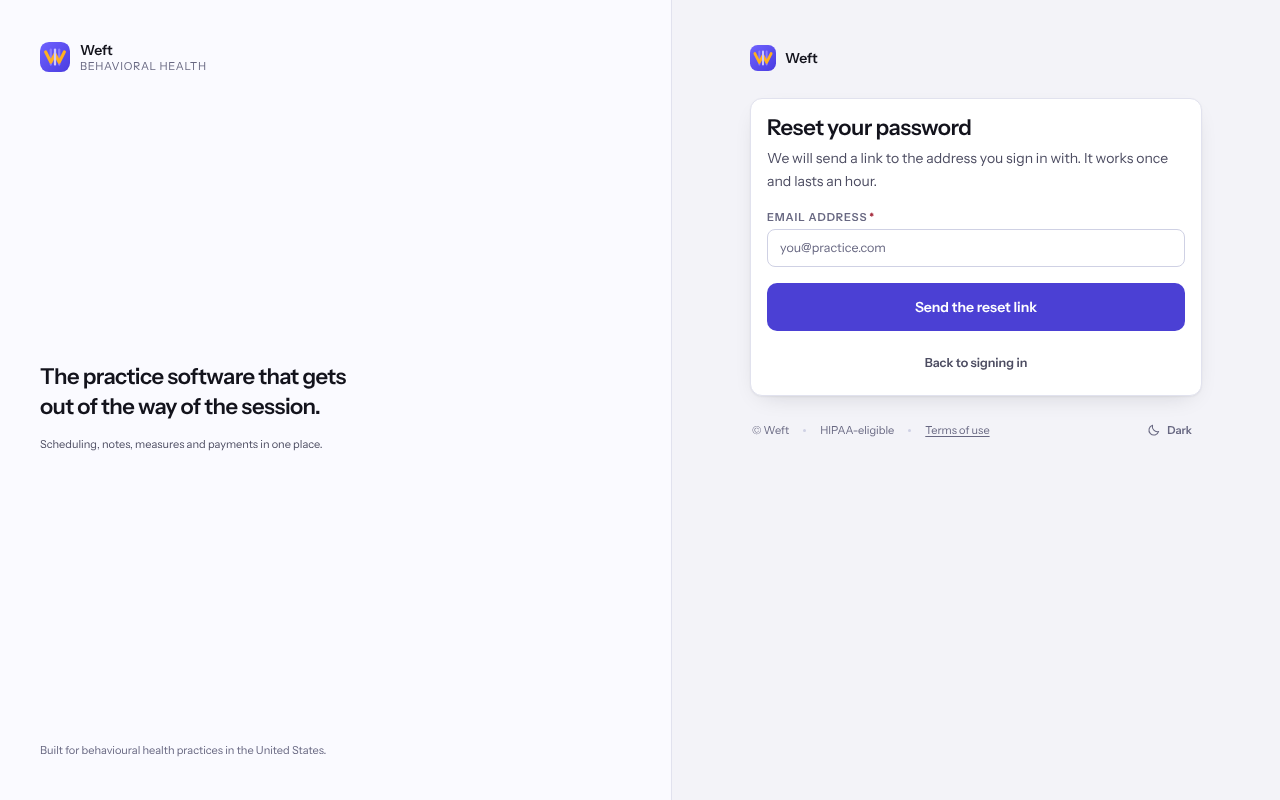
- Enter your Email address and select Send the reset link.
- Open the link in the email. If nothing arrives, check your spam folder or select Send it again.
Choose a new password
- On Choose a new password, type it under New password. The list under Your new password needs shows what is still missing.
- Select Save the new password.
- When Your password is changed appears, select Sign in.
Note: Saving a new password signs you out on every other device. Your second step is unchanged, so you still finish signing in with it.
Last checked against Weft on 07 Oct 2026. Something on your screen reads differently? Tell us at support@weftary.com.
Common questions
The link says it no longer works.
Reset links expire. Select Send a new link on that screen and use the newest email.
Can I change my password while signed in?
Not from a settings screen. Sign out and use Forgotten your password? on the sign-in screen.