Reading your notifications
Open the bell, follow an announcement and clear its unread marker.
Who this is for: Everyone at the practice
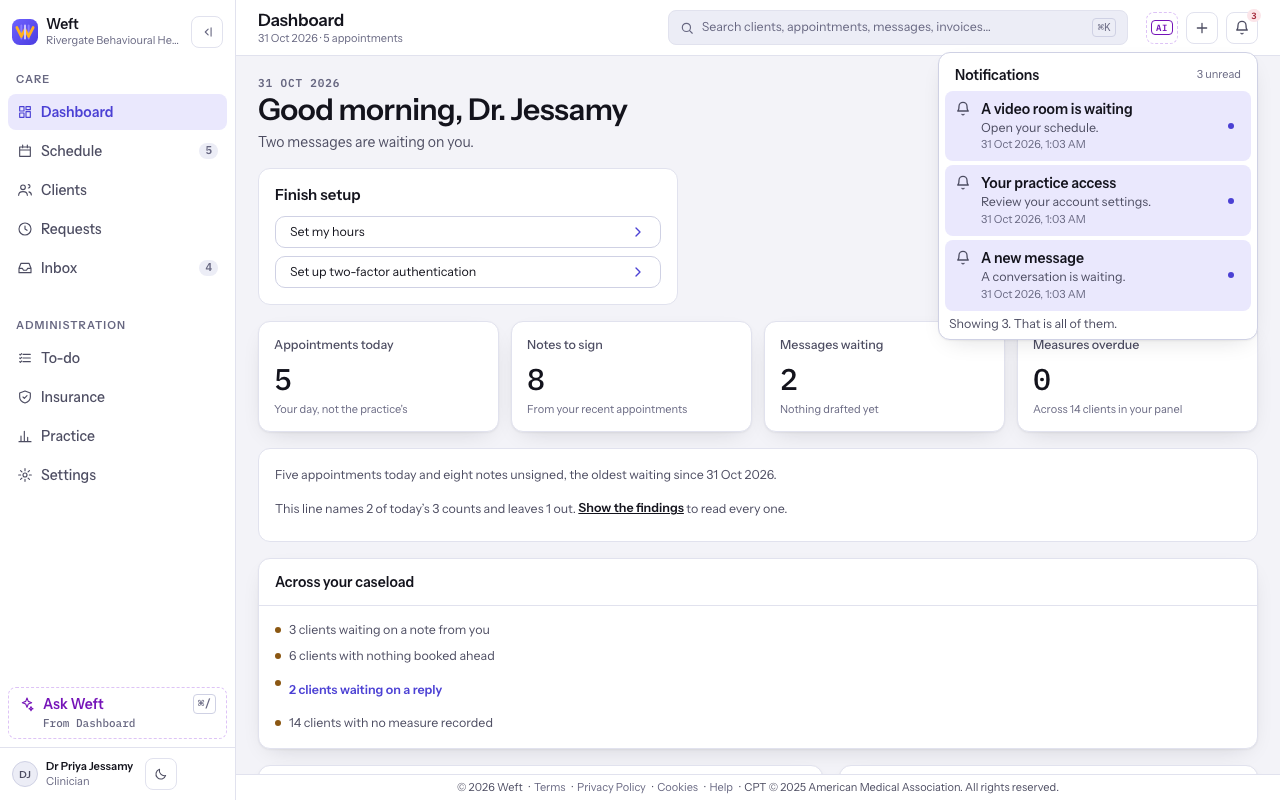
Open the bell
- Select the bell at the top of the screen. Notifications lists your announcements, with a count when some are unread. Select an announcement to open its destination.
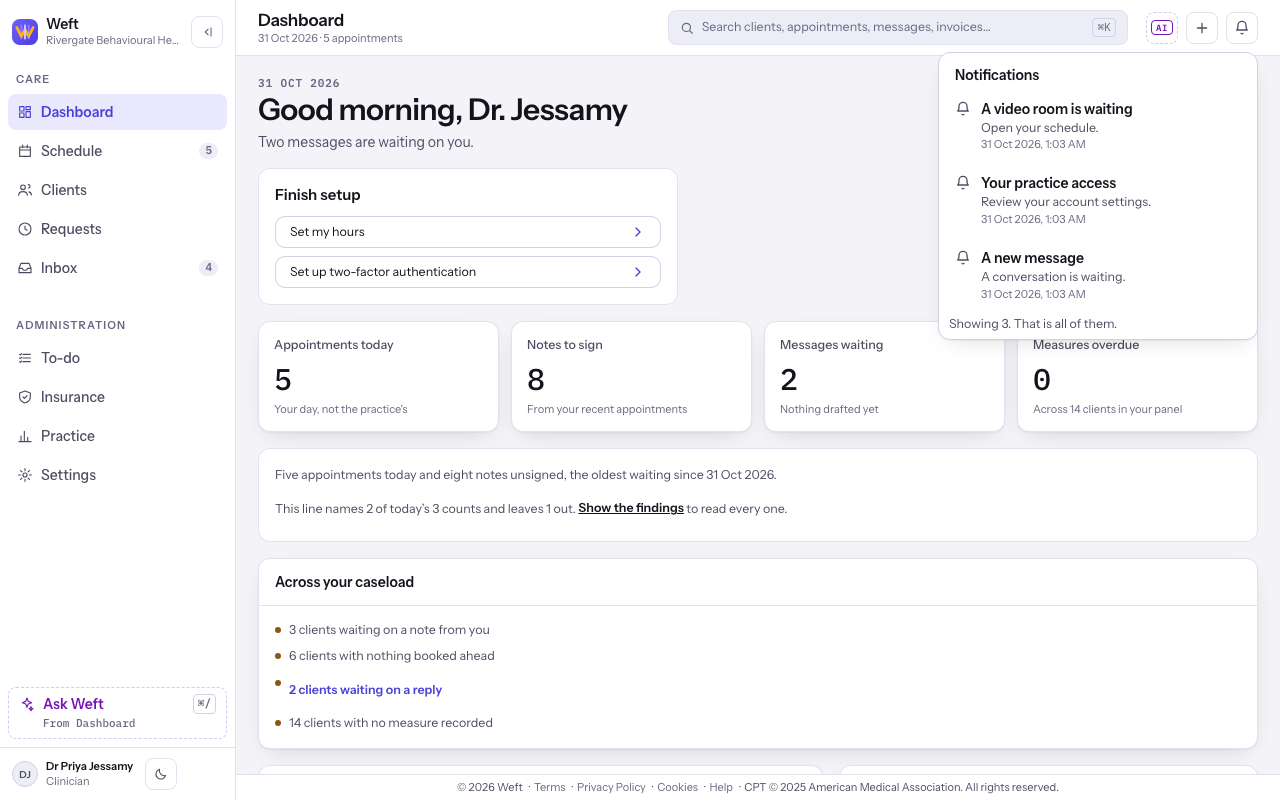
Clear unread markers
- Select the small unread dot beside each announcement to mark it read. When none are unread, the bell has no unread badge; the announcements can still be listed.
Last checked against Weft on 31 Oct 2026. Something on your screen reads differently? Tell us at support@weftary.com.