
Signing in
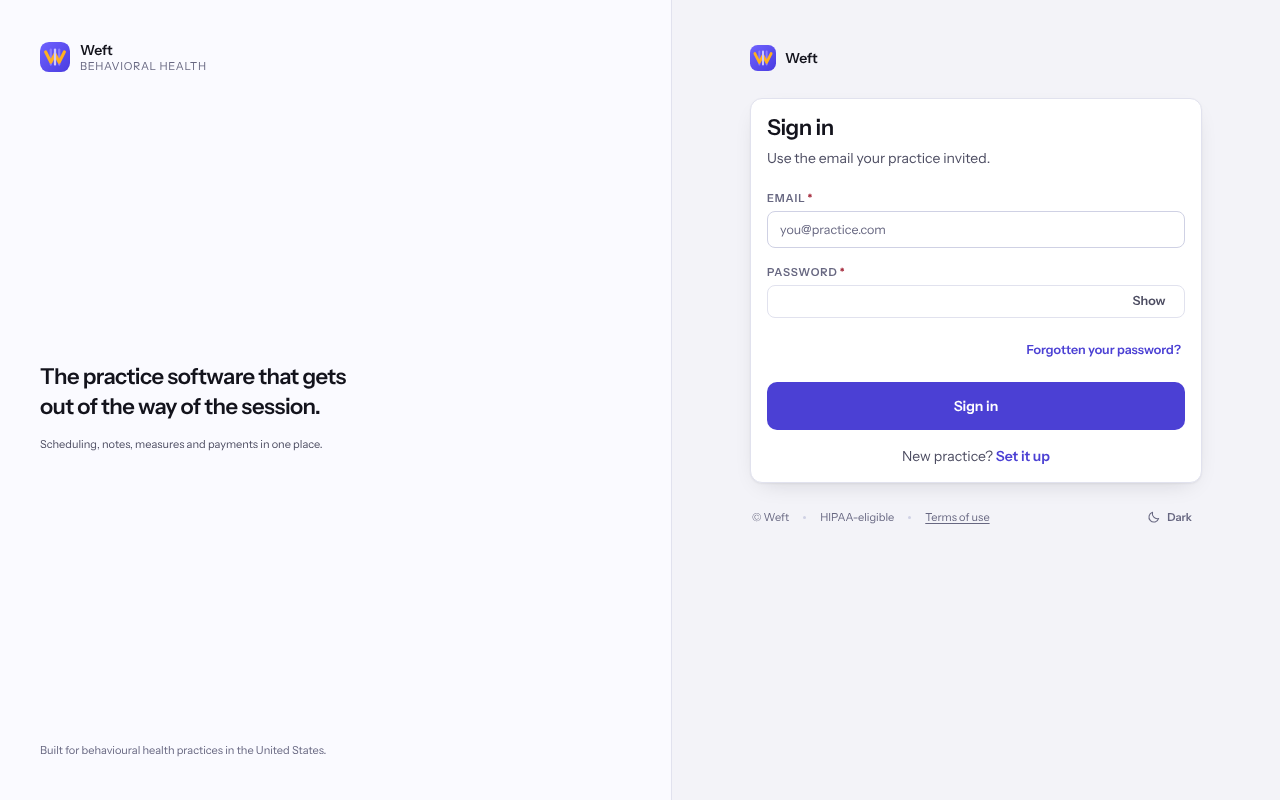
Sign in with your email address and password, choose a practice if you work at more than one, and finish with your second step.
Who this is for: Everyone at the practice
Sign in with your password
- Go to app.weftary.com/sign-in and enter the Email your practice invited and your Password.
- Select Sign in.
- If you work at more than one practice, choose one under Which practice?
Finish with your second step
Weft opens the method you set up first. Use whichever you have to hand.
- For an authenticator app, enter the Six-digit code the app shows and select Verify.
- For a passkey or security key, select Open the browser prompt and answer your device.
- To use another method, select Use a different method and choose from Choose how to verify.
- On your own computer, tick Trust this browser before you verify so this browser skips the second step for the period shown. Never tick it on a shared computer.
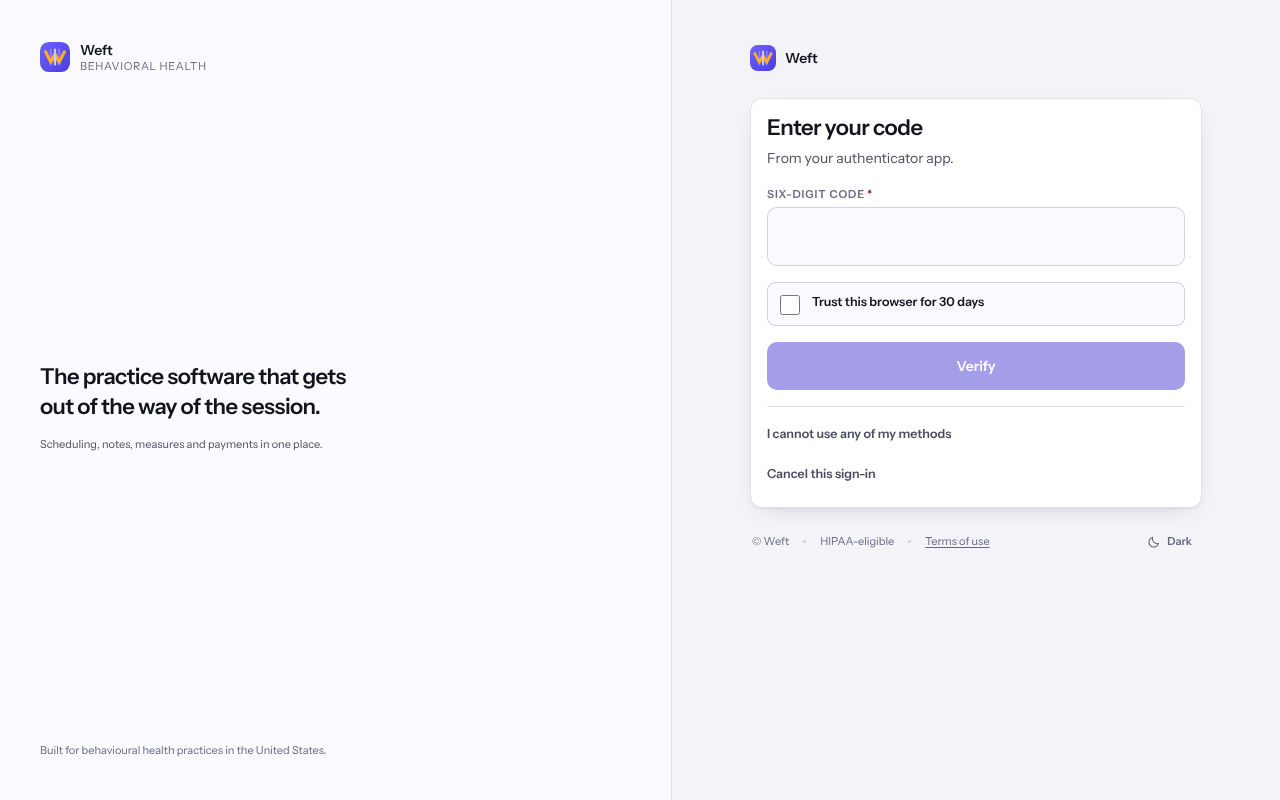
Important: Walking away from a shared computer halfway through? Select Cancel this sign-in so nobody else can finish it.
Last checked against Weft on 07 Oct 2026. Something on your screen reads differently? Tell us at support@weftary.com.
Common questions
What if I cannot use any of my methods?
Select I cannot use any of my methods. See When you cannot finish signing in.
I was signed out while I was working. Why?
Weft warns you before an idle session ends and lets you keep it open. Every session also has a fixed lifetime, after which you sign in again whatever you were doing.