
Working the unmatched inbound queue
Read items that matched no claim and tie an answer to the right claim.
Who this is for: Biller
Insurance billing appears only where it is available to the practice. The queue holds inbound items that need a person to place them.
Read the queue
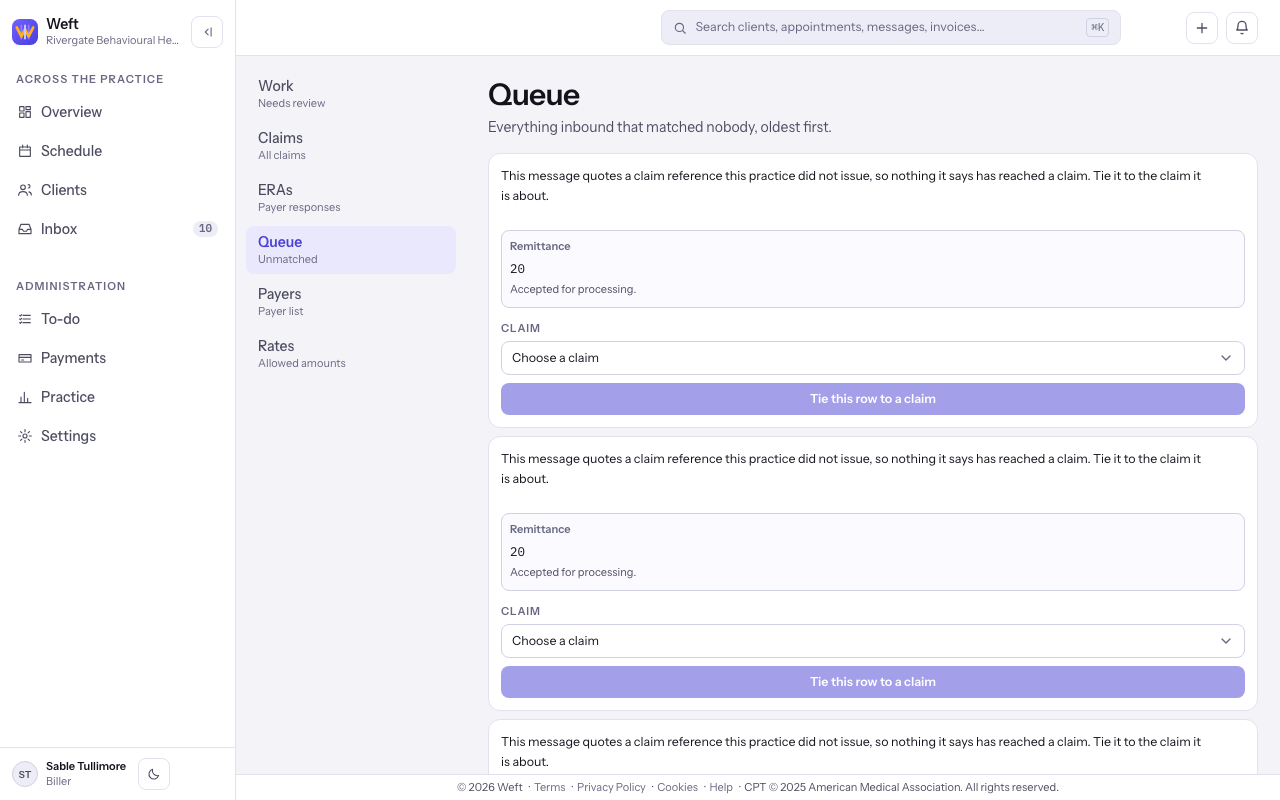
- Open Insurance, then Queue. Read the oldest item first: what the message says, and the payer's code and words under Remittance.
Match an answer to a claim
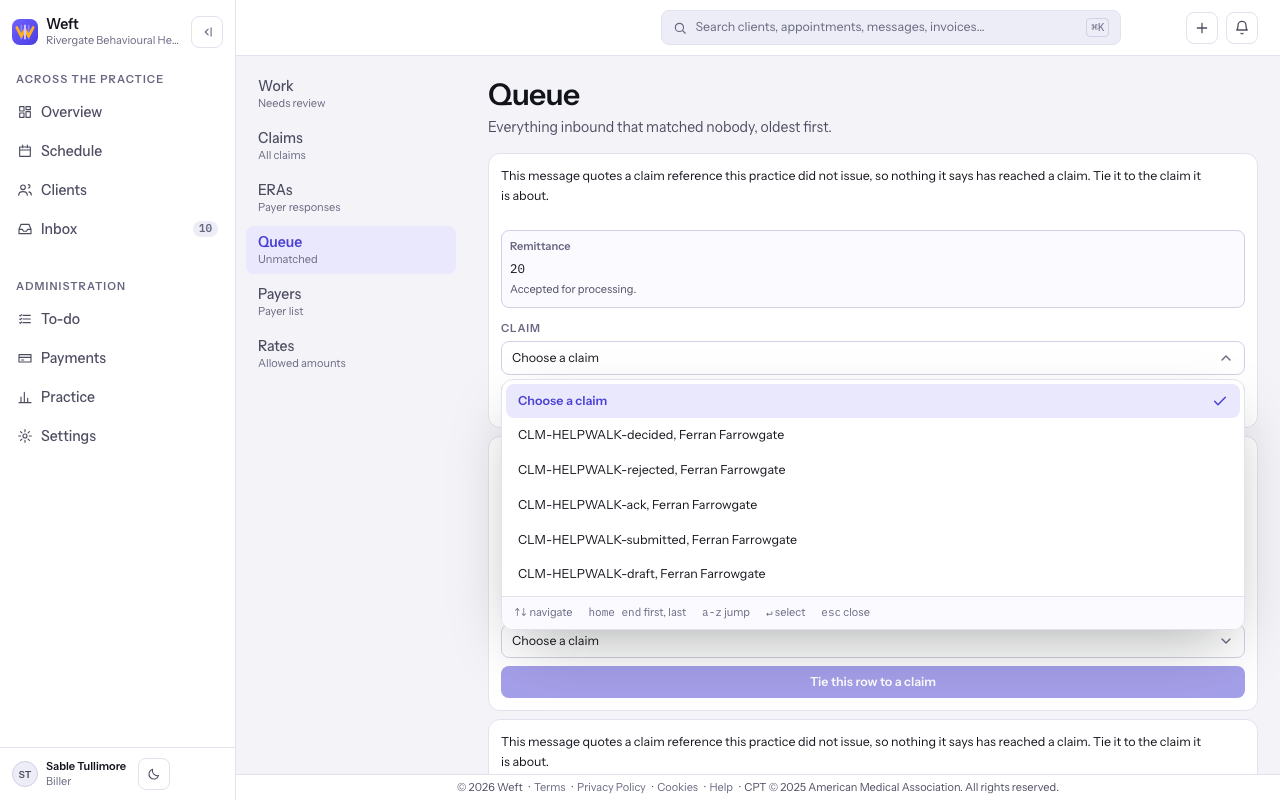
- Open Claim and choose the claim the answer belongs to. Compare its reference and client before continuing.
- Select Tie this row to a claim. The queue reloads after the match.
- For an item that links to a remittance, follow its control and match the row on the ERA.
Last checked against Weft on 31 Oct 2026. Something on your screen reads differently? Tell us at support@weftary.com.