Paying from the link in your email
Open an invoice or pay by card from the link in your email.
Who this is for: Client
Open the invoice link
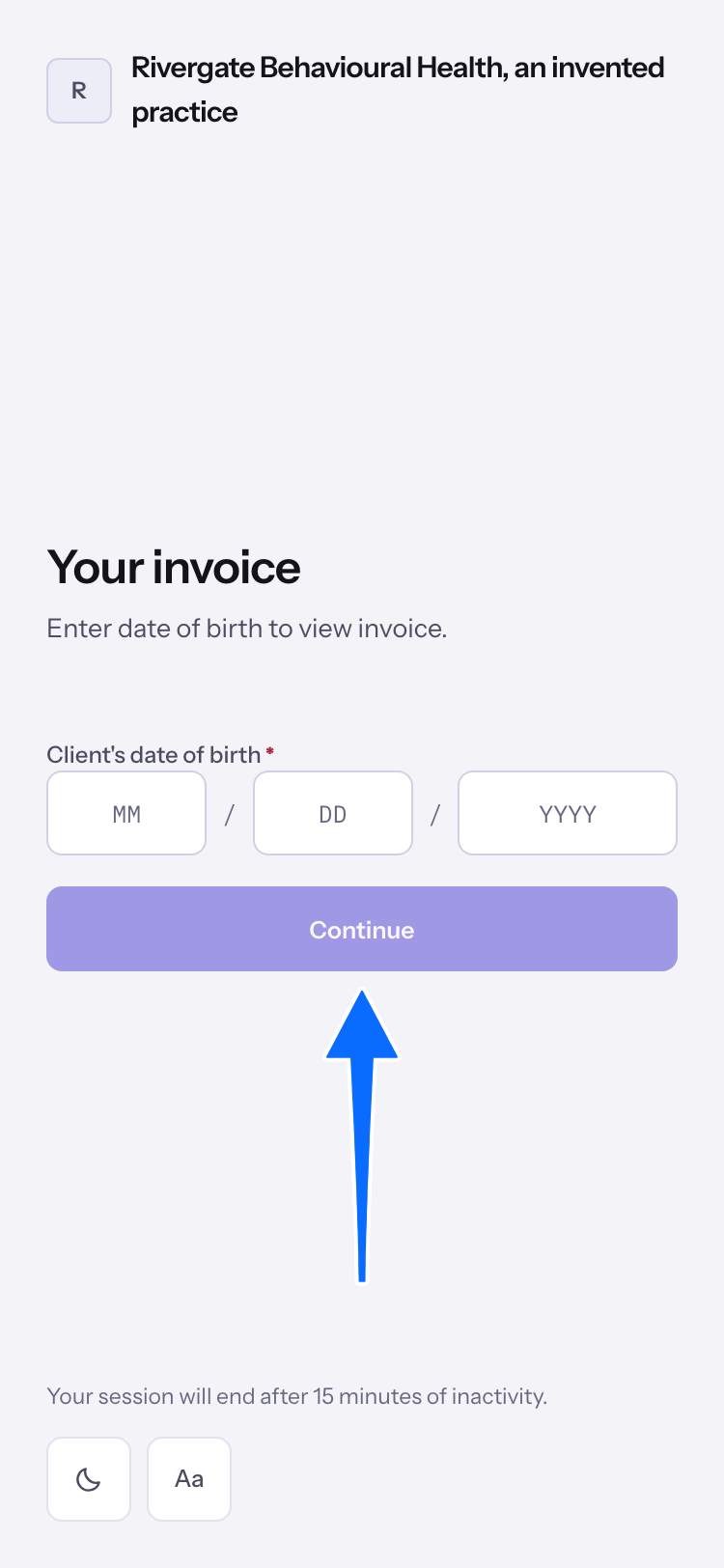
- Open the invoice link in your email. Enter the Client's date of birth, then select Continue. A parent or guardian opening a child's link enters the child's date of birth.
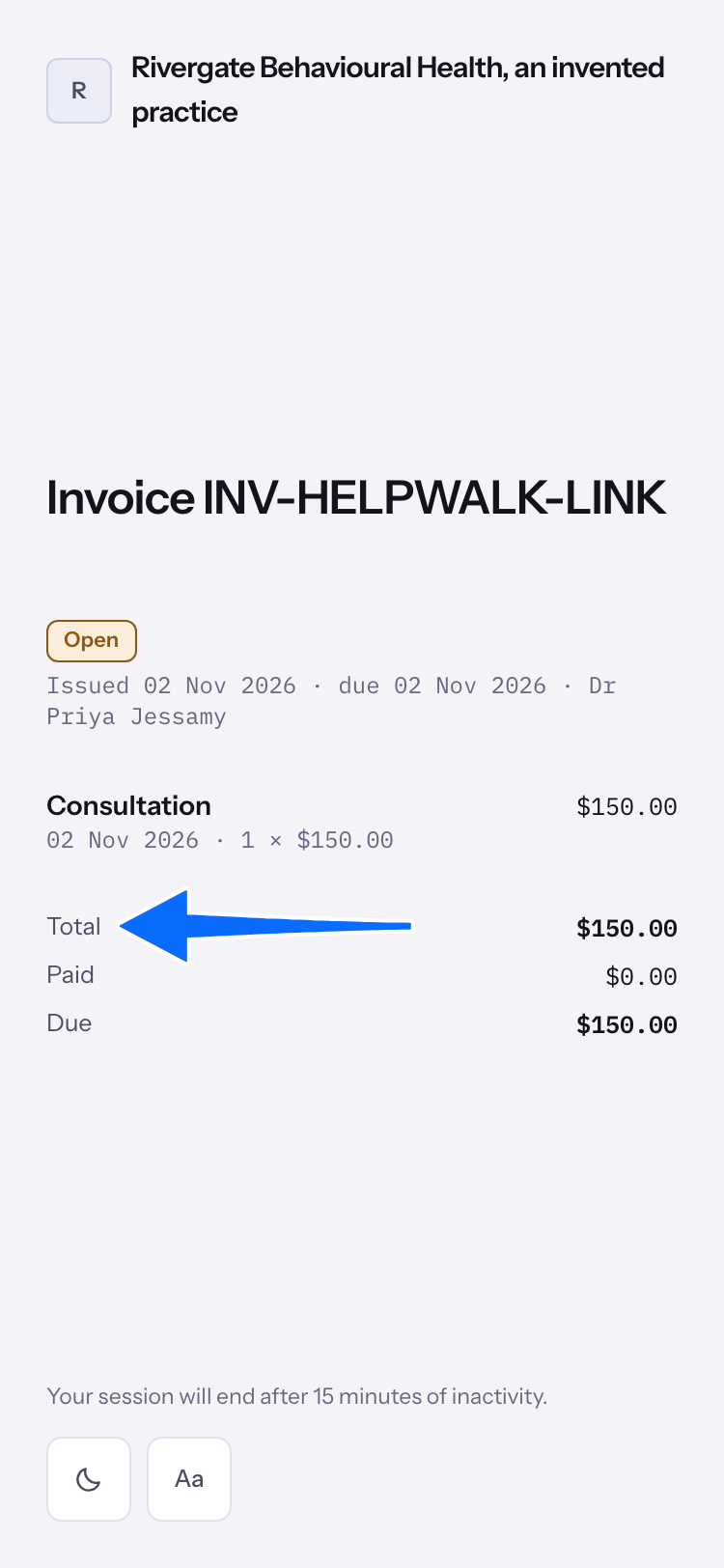
- Read the invoice number, service lines and dates. Total, Paid and Due show the invoice amounts. On a wider screen, Amount due also appears beside the invoice.
Pay from the payment link
- Open the payment link. On Pay invoice, enter the Client's date of birth and select Continue. Review the amount and invoice, enter your card details, and select the payment button showing the amount.
- When Payment received appears, read the Receipt and Paid amount.
- If the practice does not take cards online, the page says: "This practice is not accepting card payments online. Nothing was charged. Contact the practice to pay another way."
- To pay while signed in, see Paying an invoice.
Last checked against Weft on 01 Nov 2026. Something on your screen reads differently? Tell us at support@weftary.com.