
Filing a document in a client's chart
File a document or accept a returned paper form.
Who this is for: Clinician
File a document
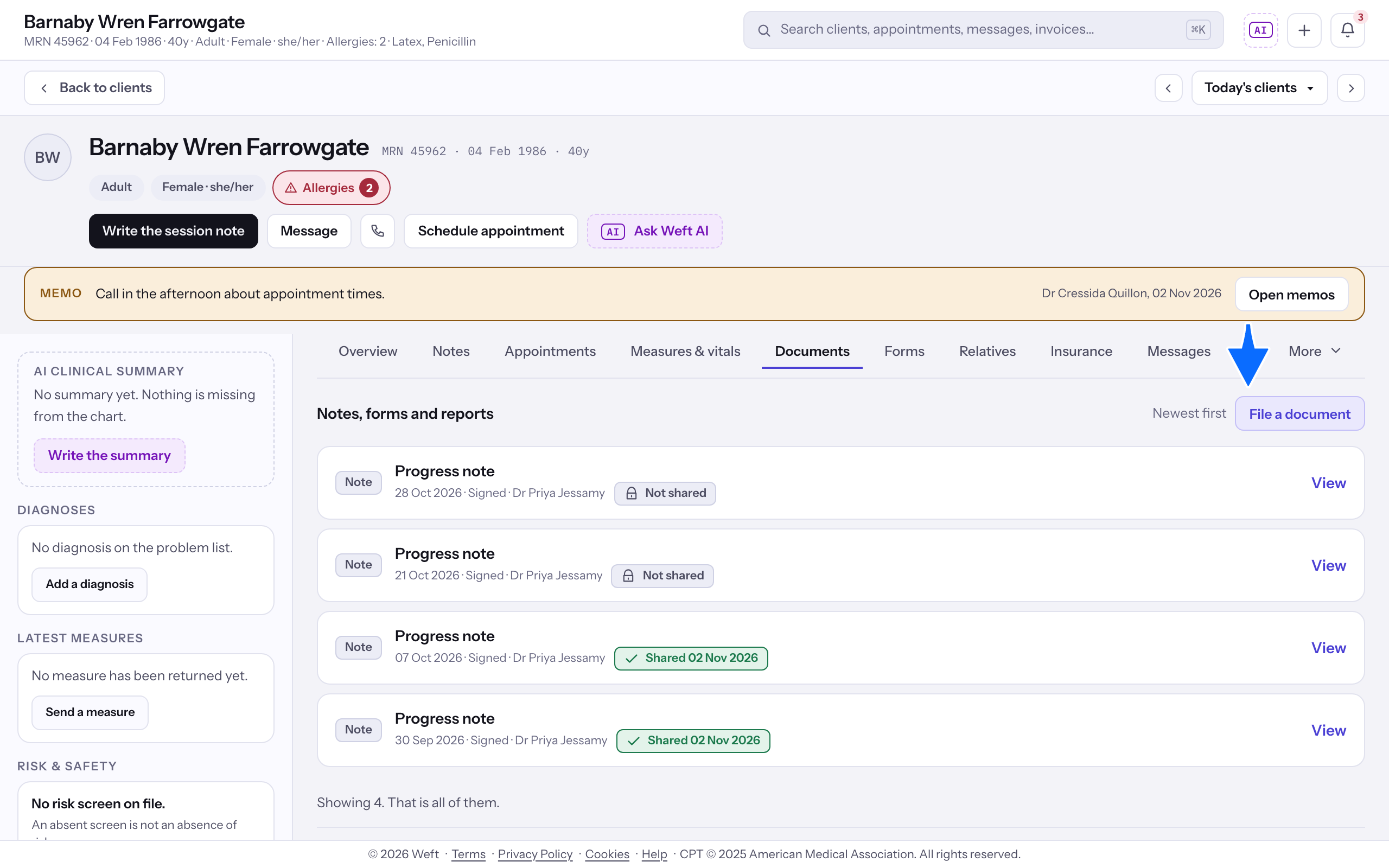
- Open Documents and select File a document.
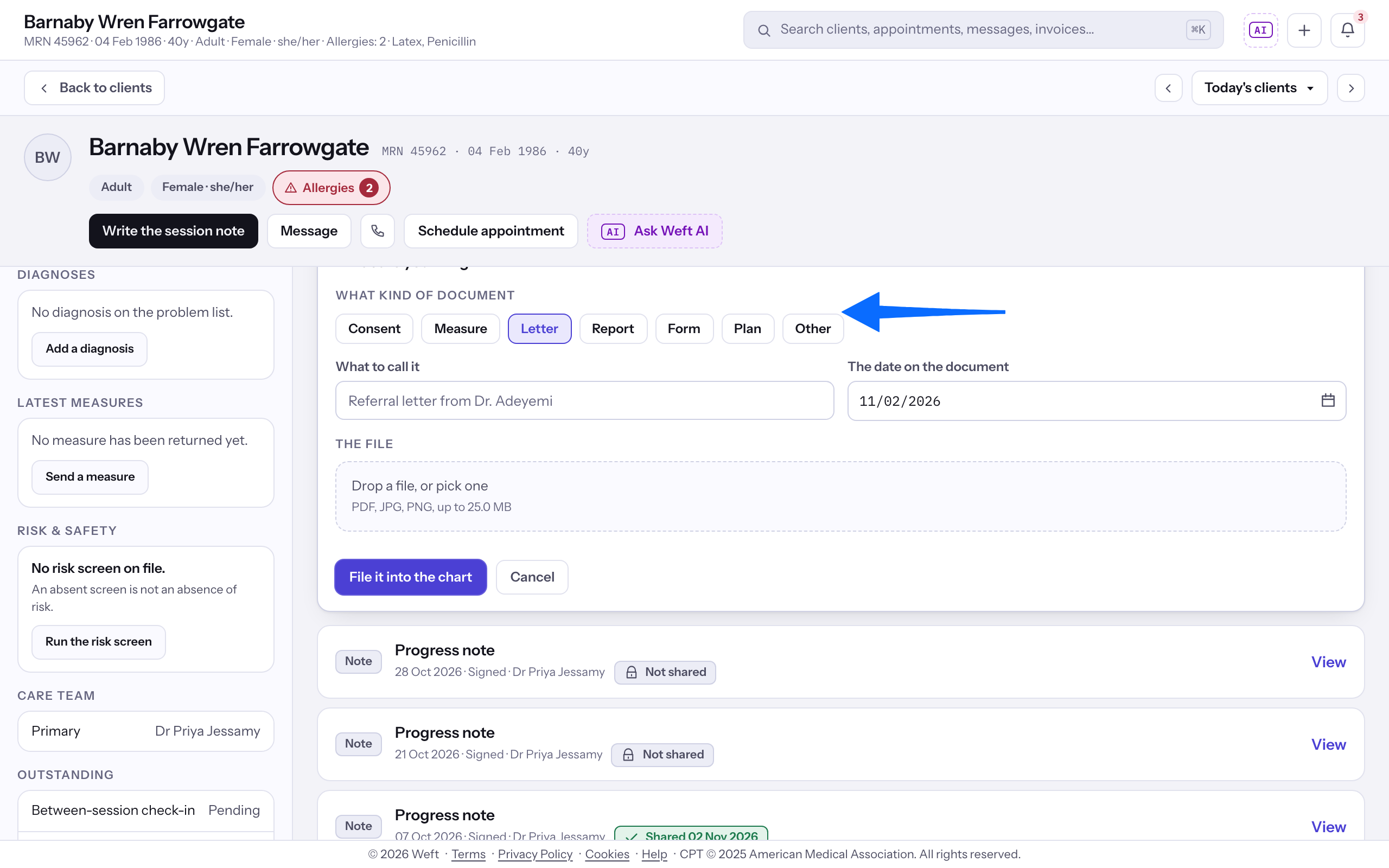
- Choose Consent, Measure, Letter, Report, Form, Plan or Other.
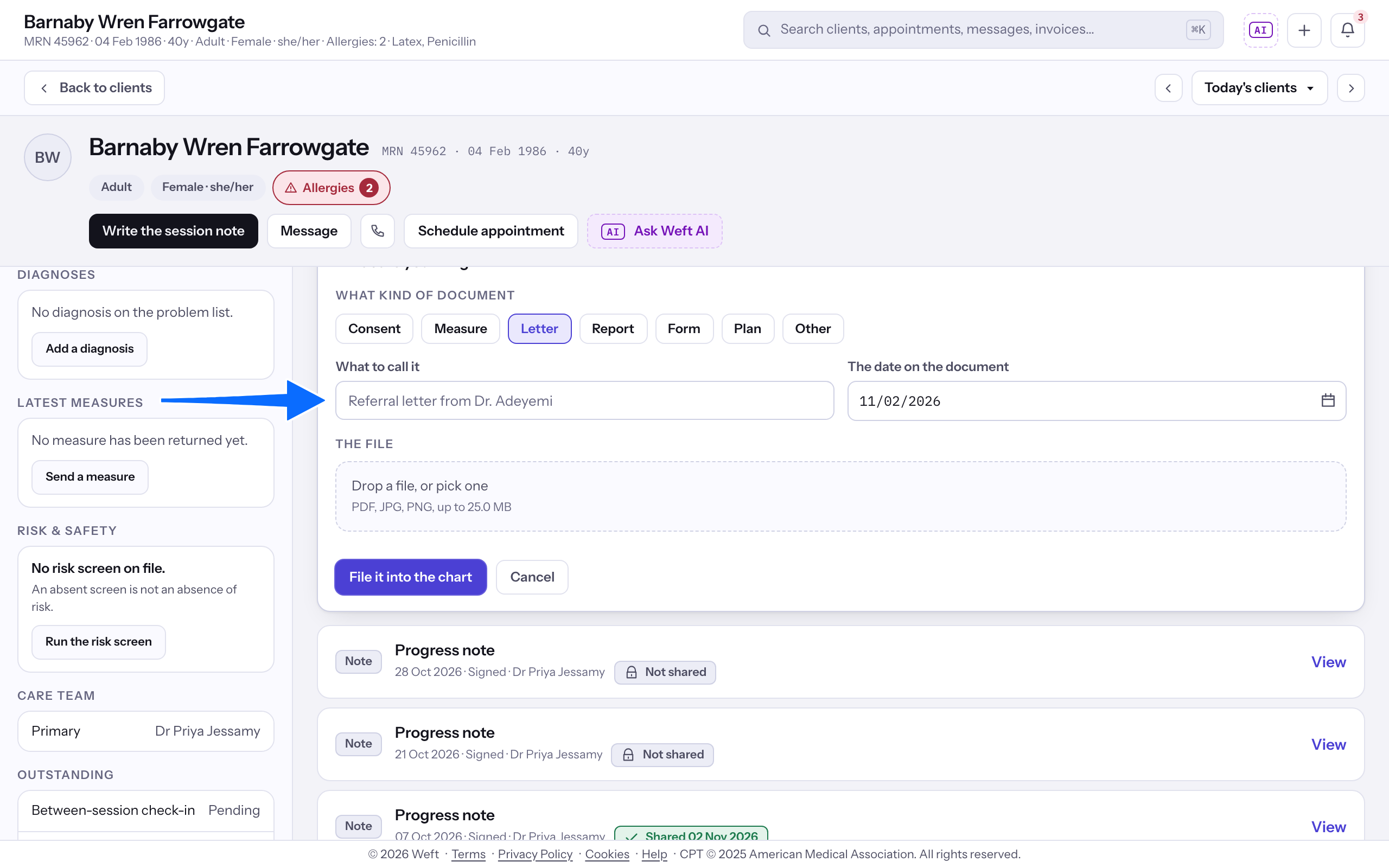
- Enter What to call it and The date on the document.
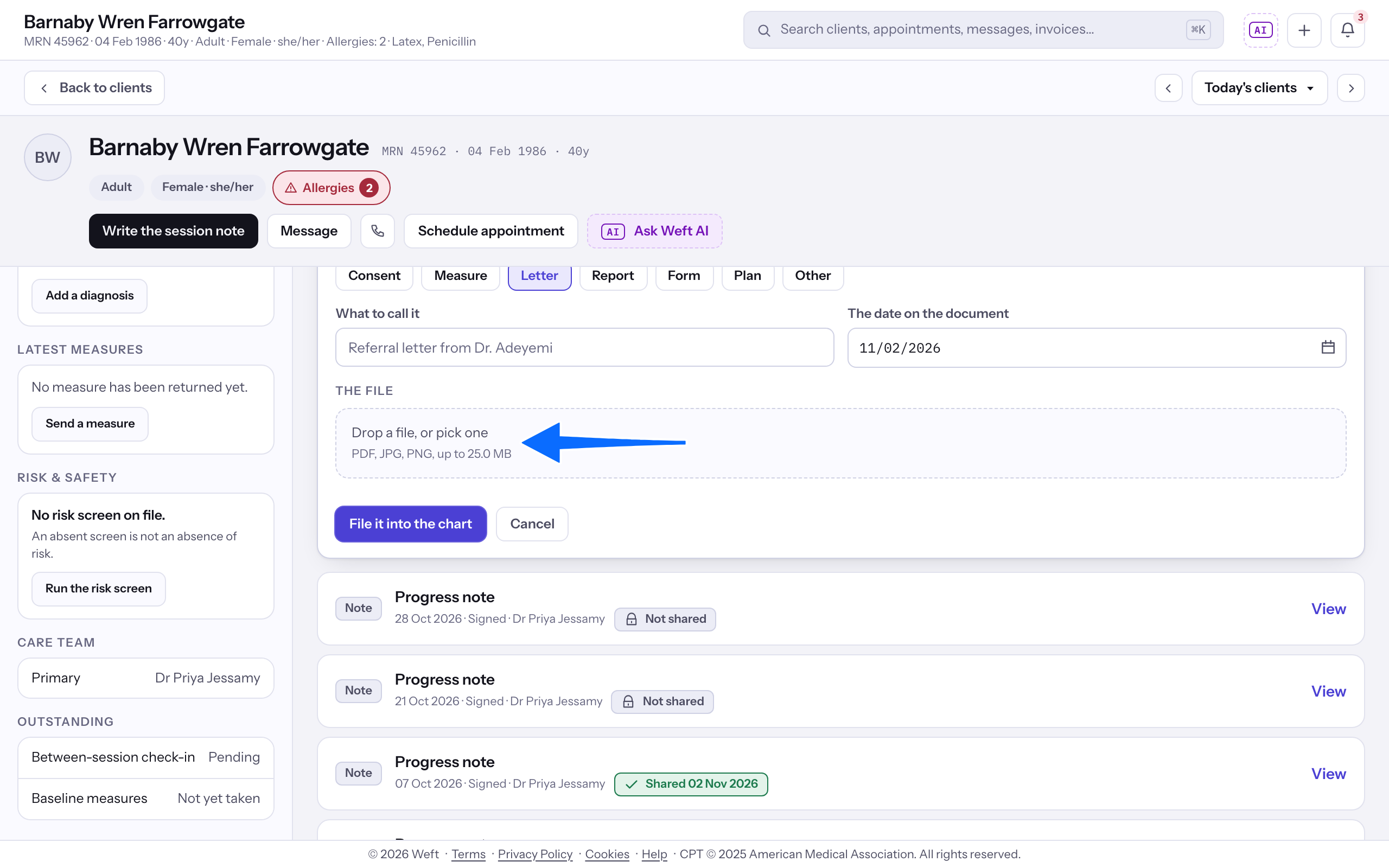
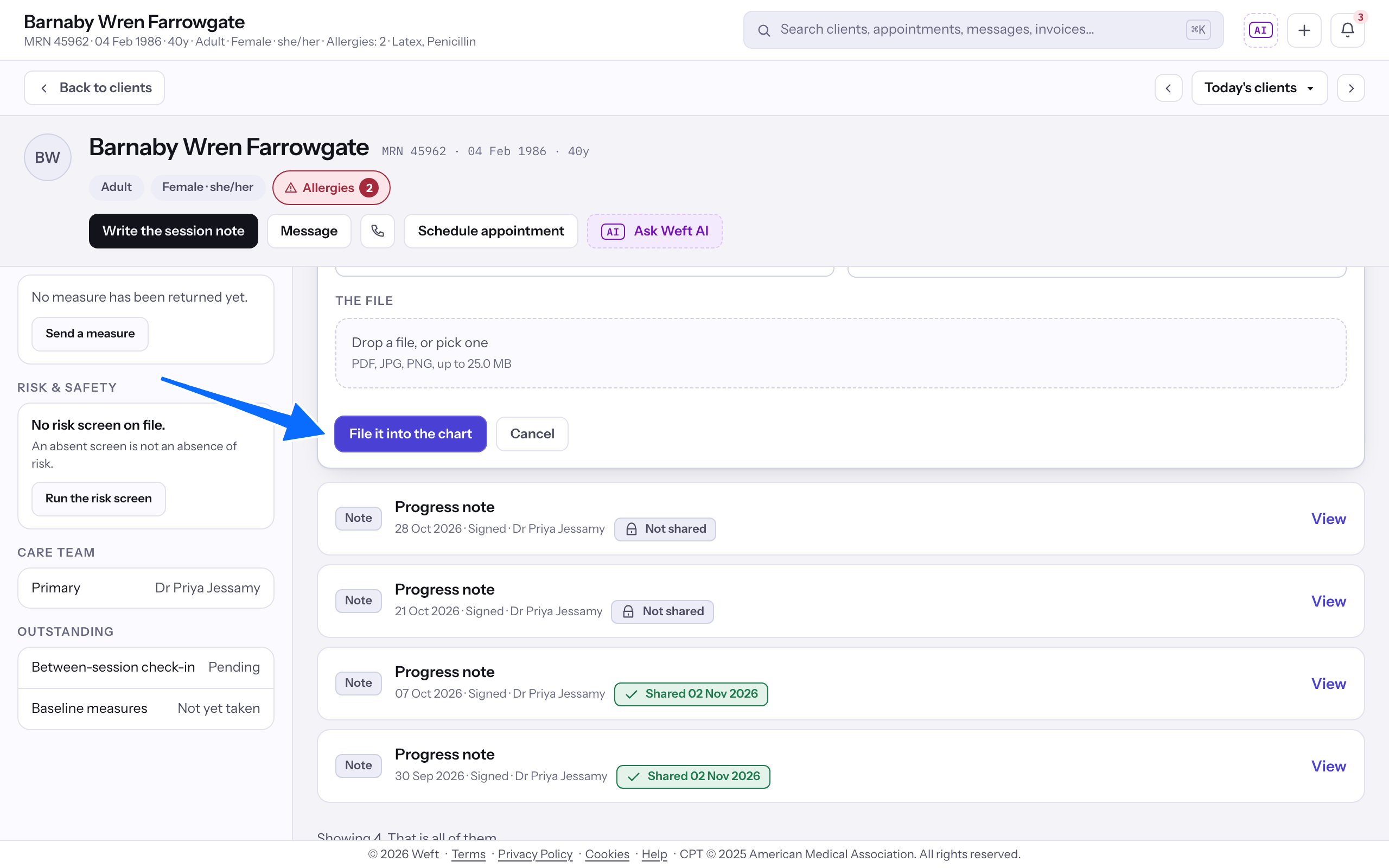
- Choose the file. The panel shows the file size limit and accepted types.
- Select File it into the chart.
Accept a returned paper copy
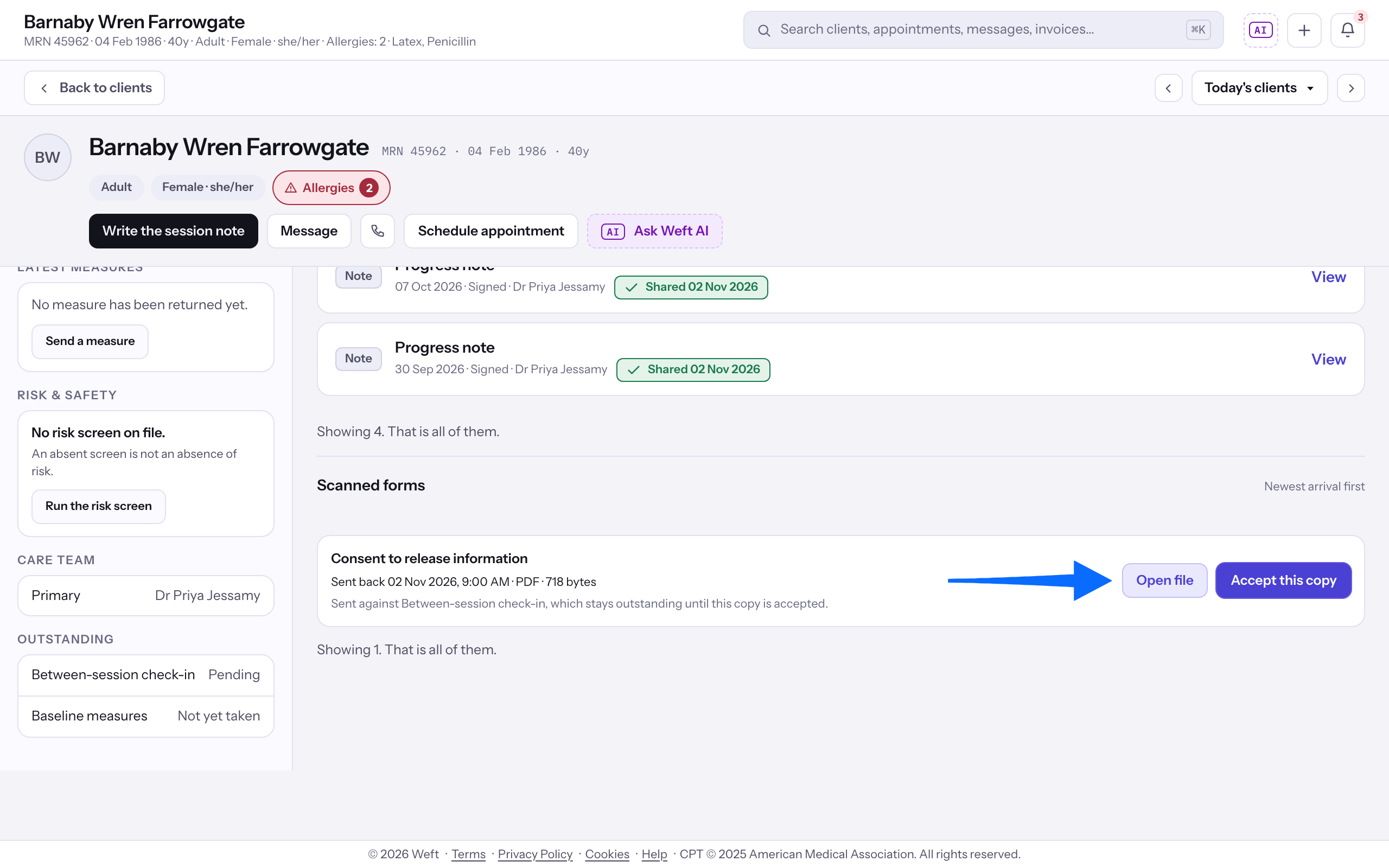
- Under Scanned forms, find the returned copy and select Open file to review it.
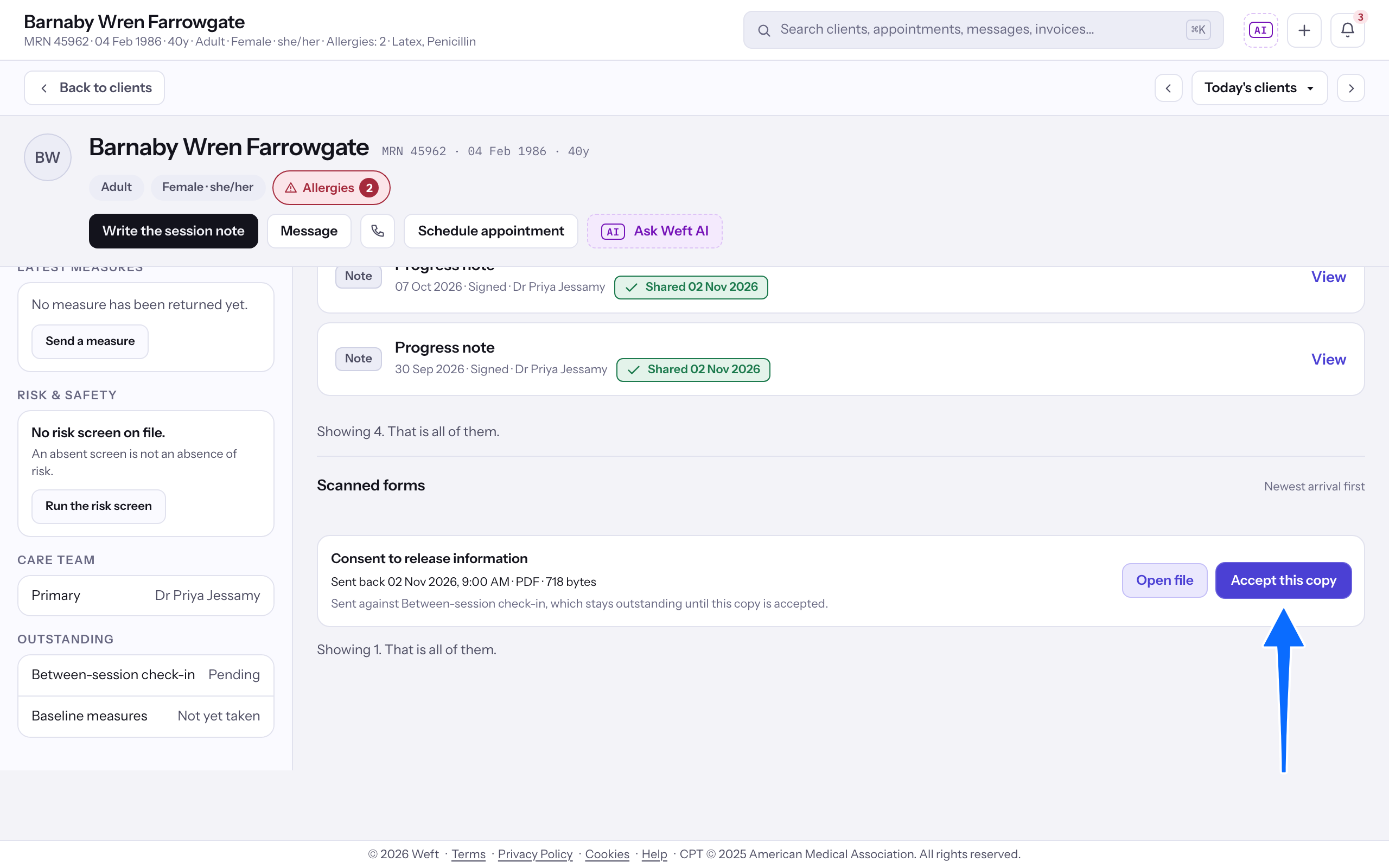
- Select Accept this copy when the returned copy satisfies the outstanding form assignment.
Last checked against Weft on 31 Oct 2026. Something on your screen reads differently? Tell us at support@weftary.com.