
Recording a client's allergies
Add an allergy and review existing entries.
Who this is for: Clinician
Review allergies
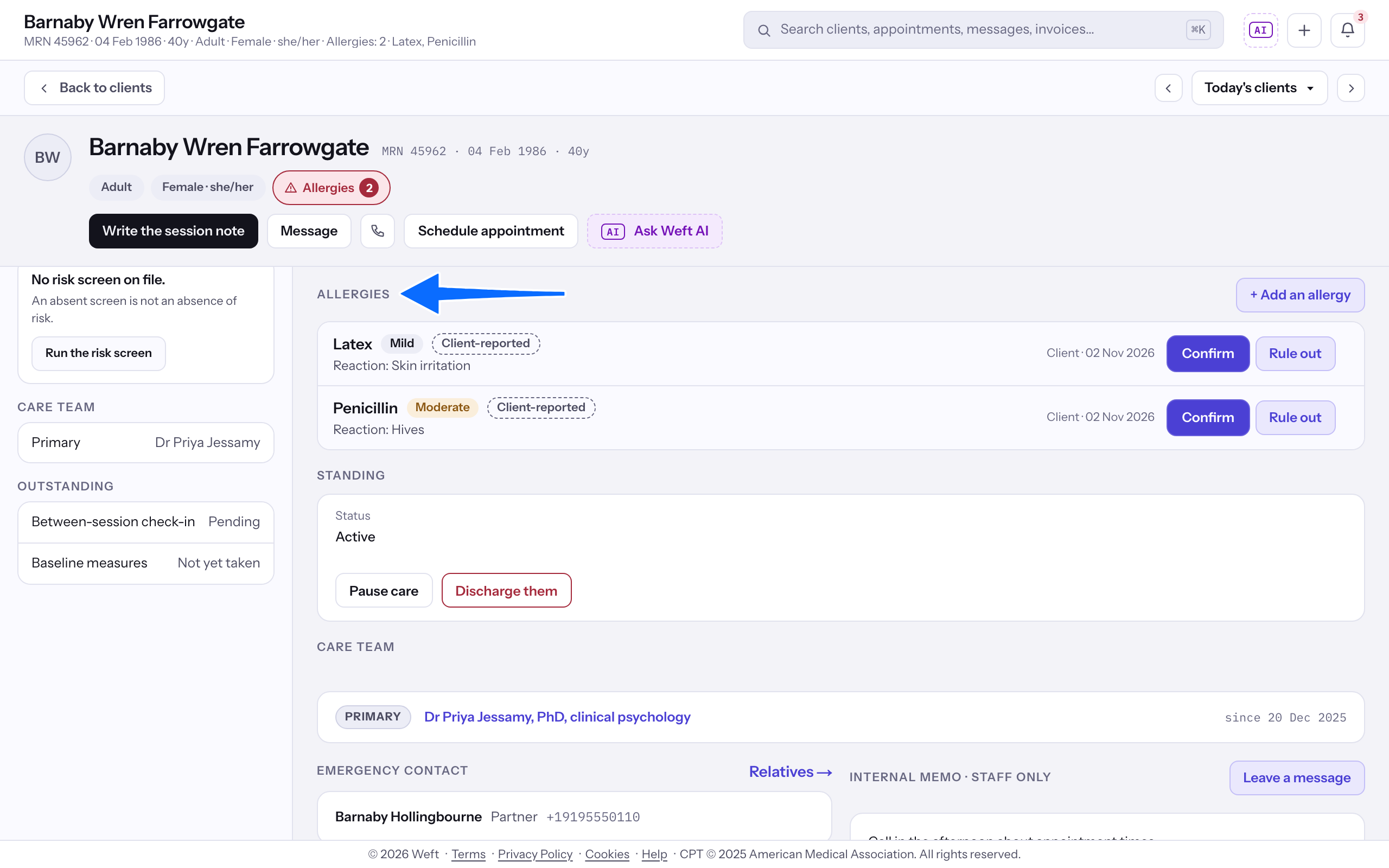
- On Overview, find Allergies and review the entries.
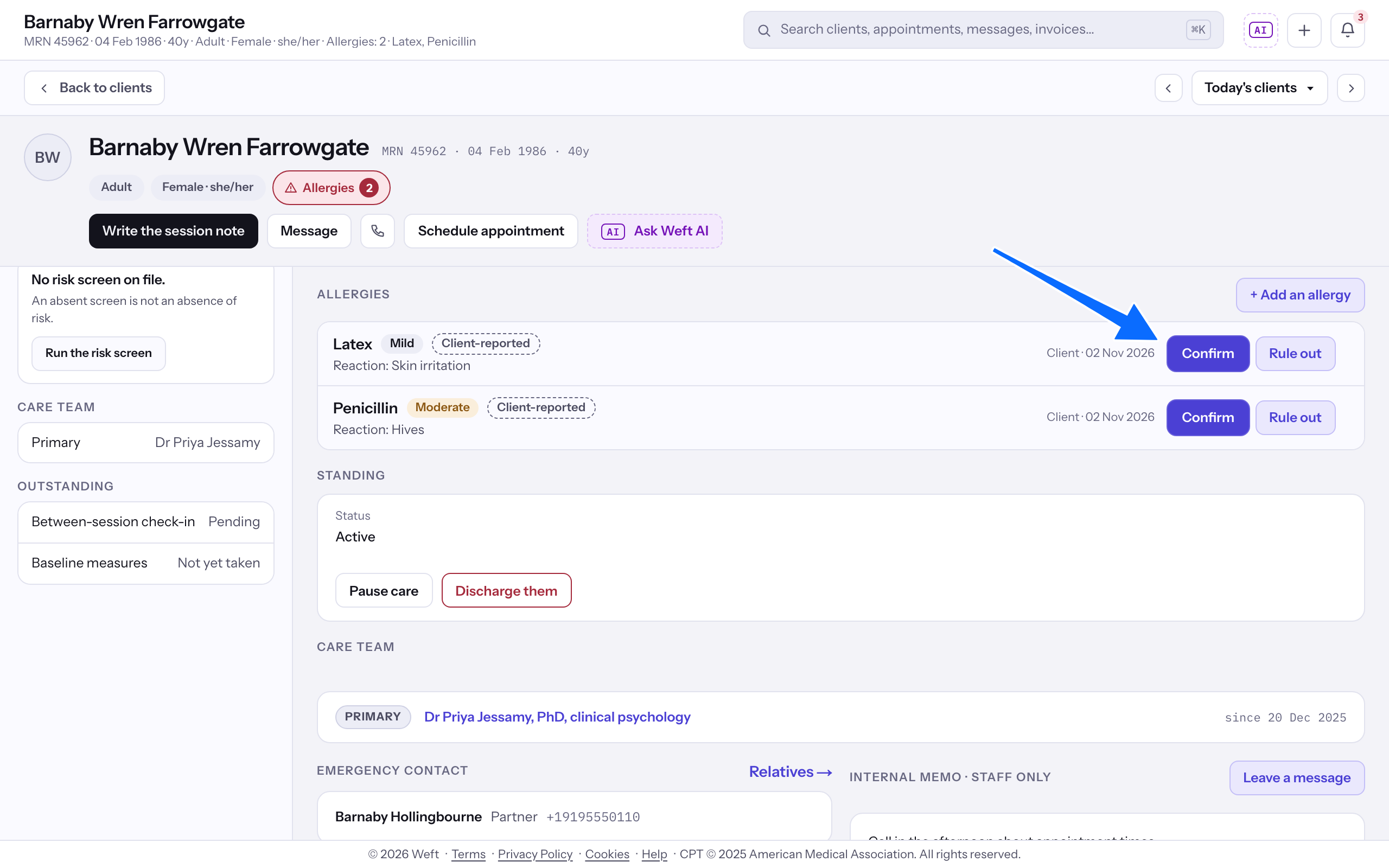
- Select Confirm for an unconfirmed entry you have verified.
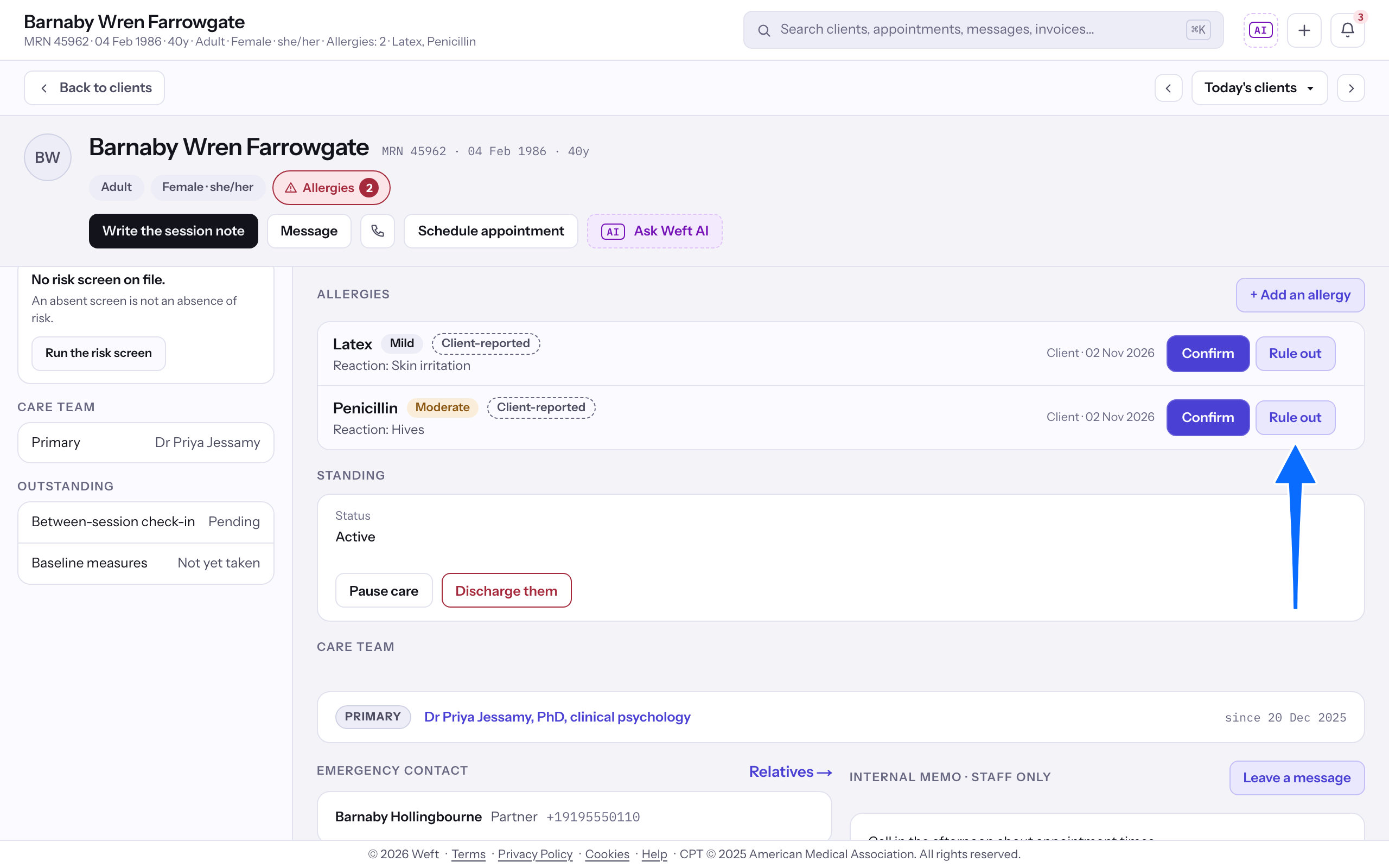
- Select Rule out for an allergy that has been ruled out, or Remove for an entry recorded in error. Follow the confirmation shown.
Add an allergy
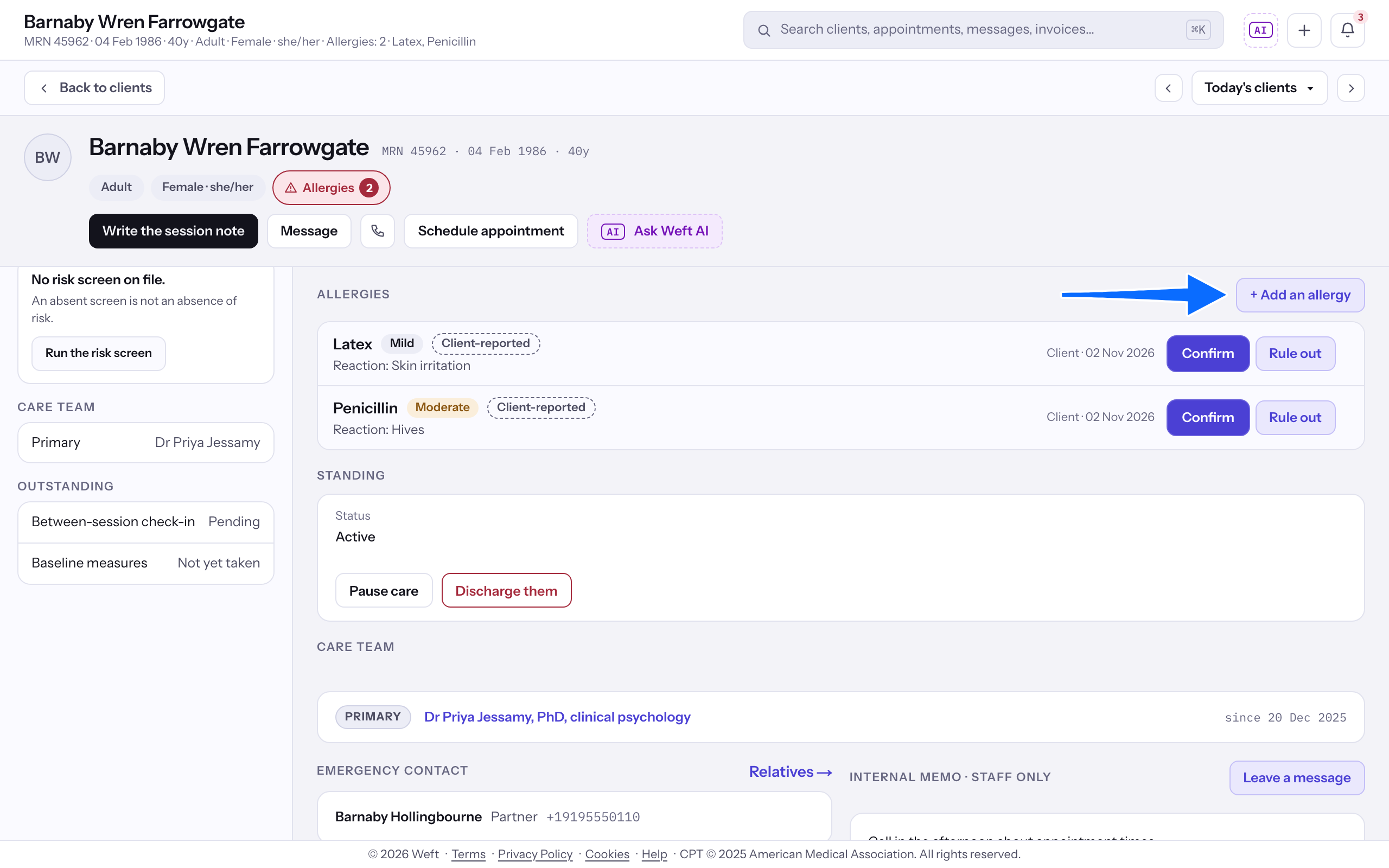
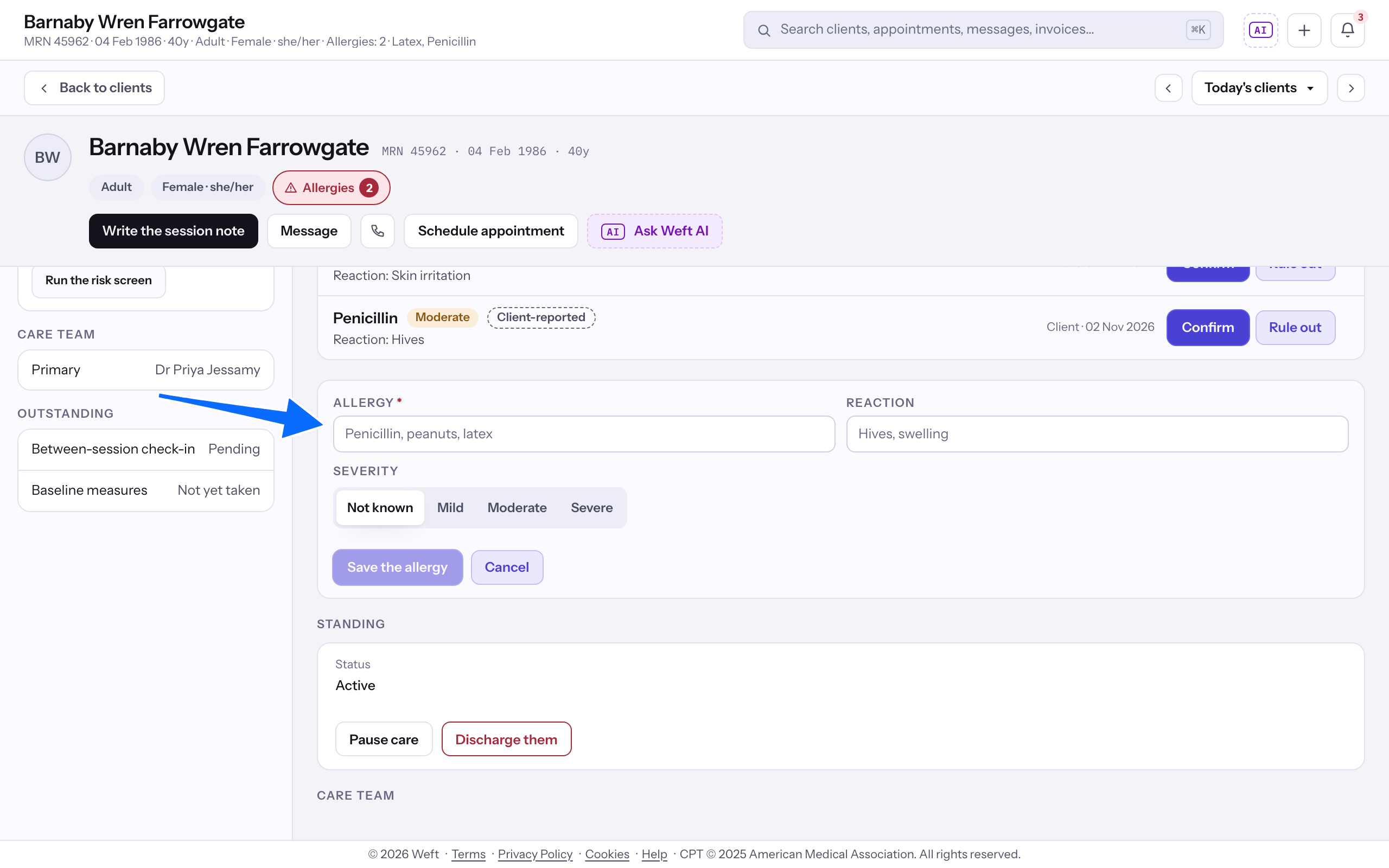
- Select Add an allergy. On a chart with entries, the button reads + Add an allergy.
- Enter Allergy and Reaction.
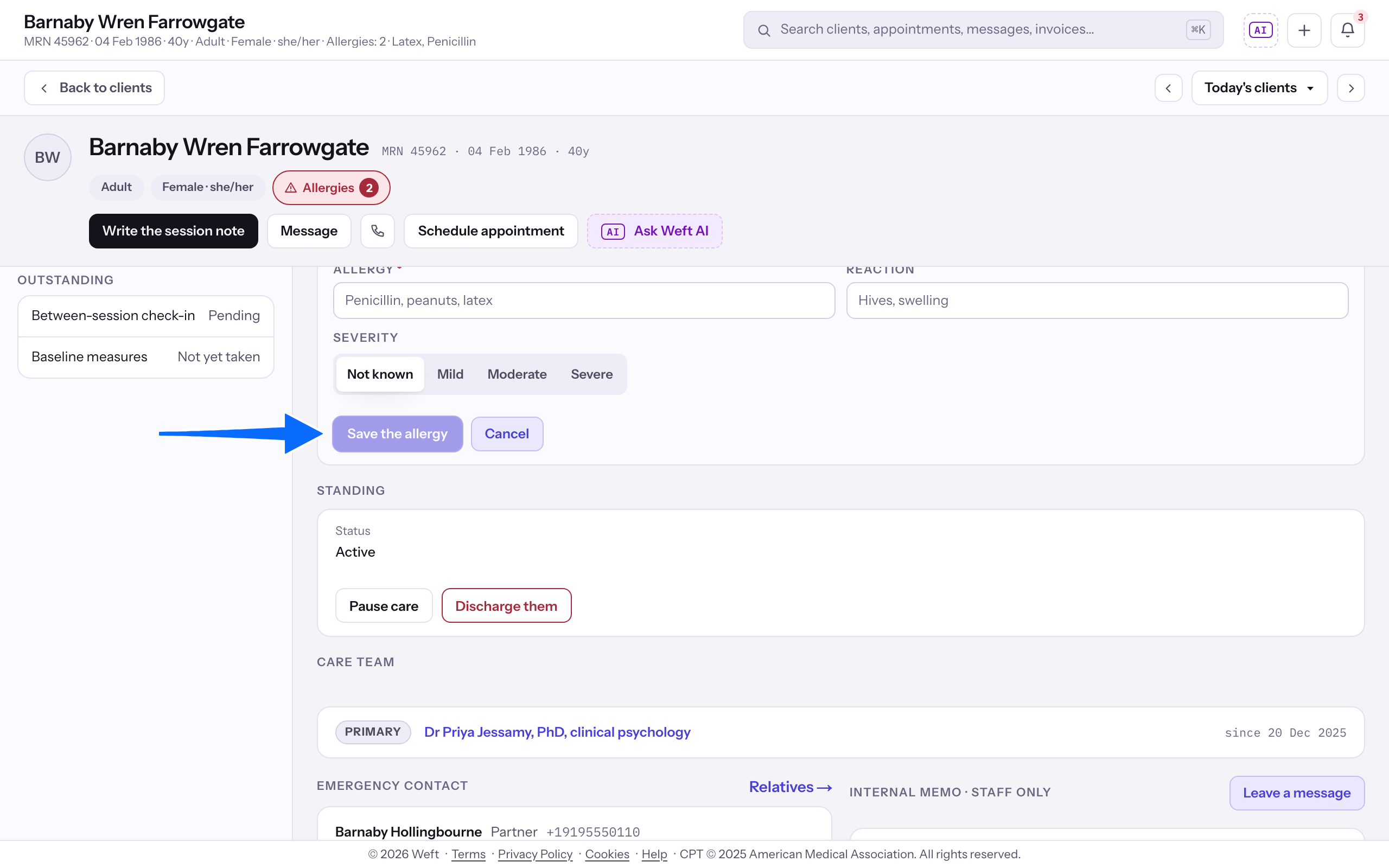
- Choose Severity, then select Save the allergy.
Last checked against Weft on 31 Oct 2026. Something on your screen reads differently? Tell us at support@weftary.com.