
Changing who is on a client's care team
Add a team member or end an assignment on the care team.
Who this is for: Practice manager
Add a team member
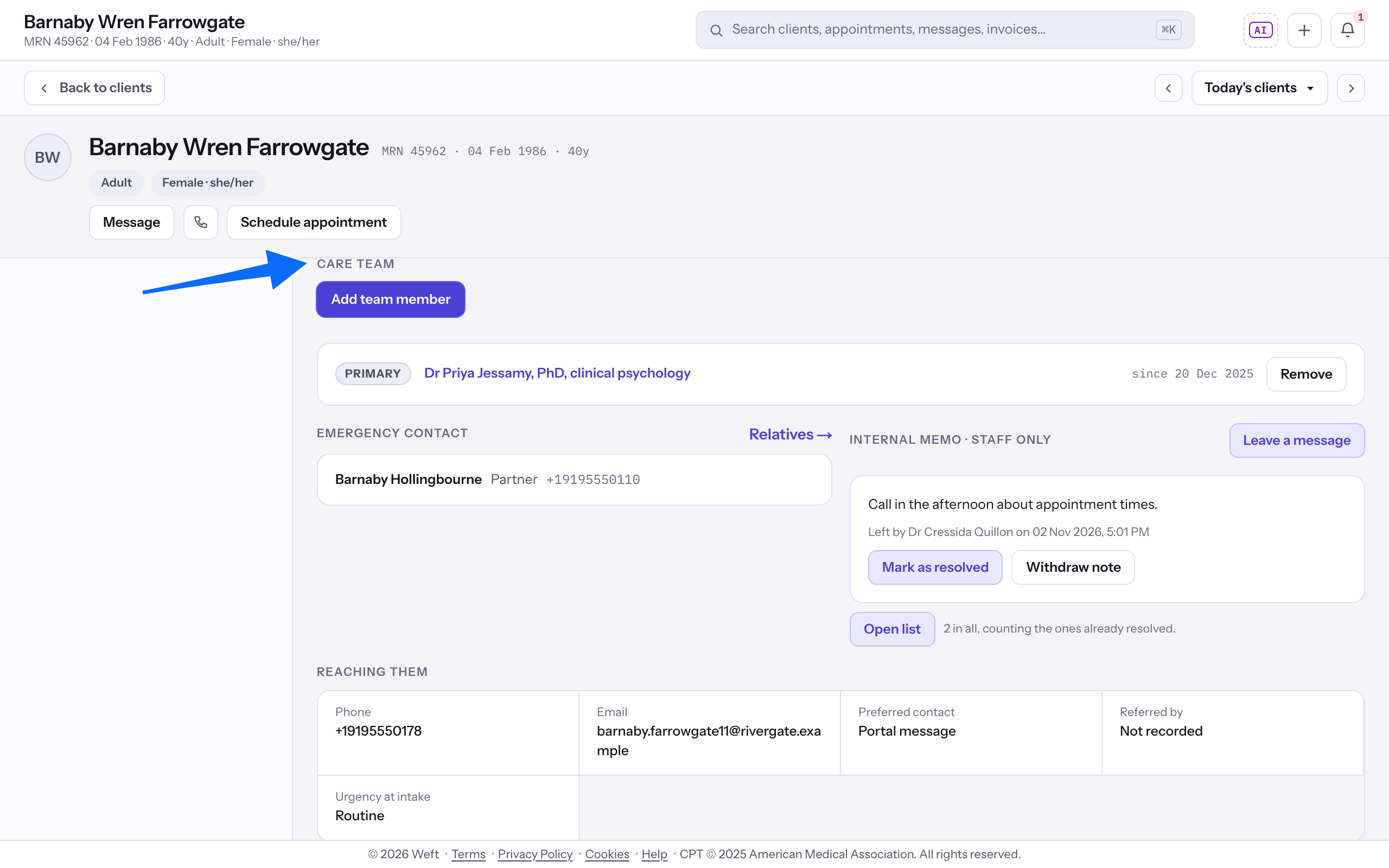
- On Overview, find Care team.
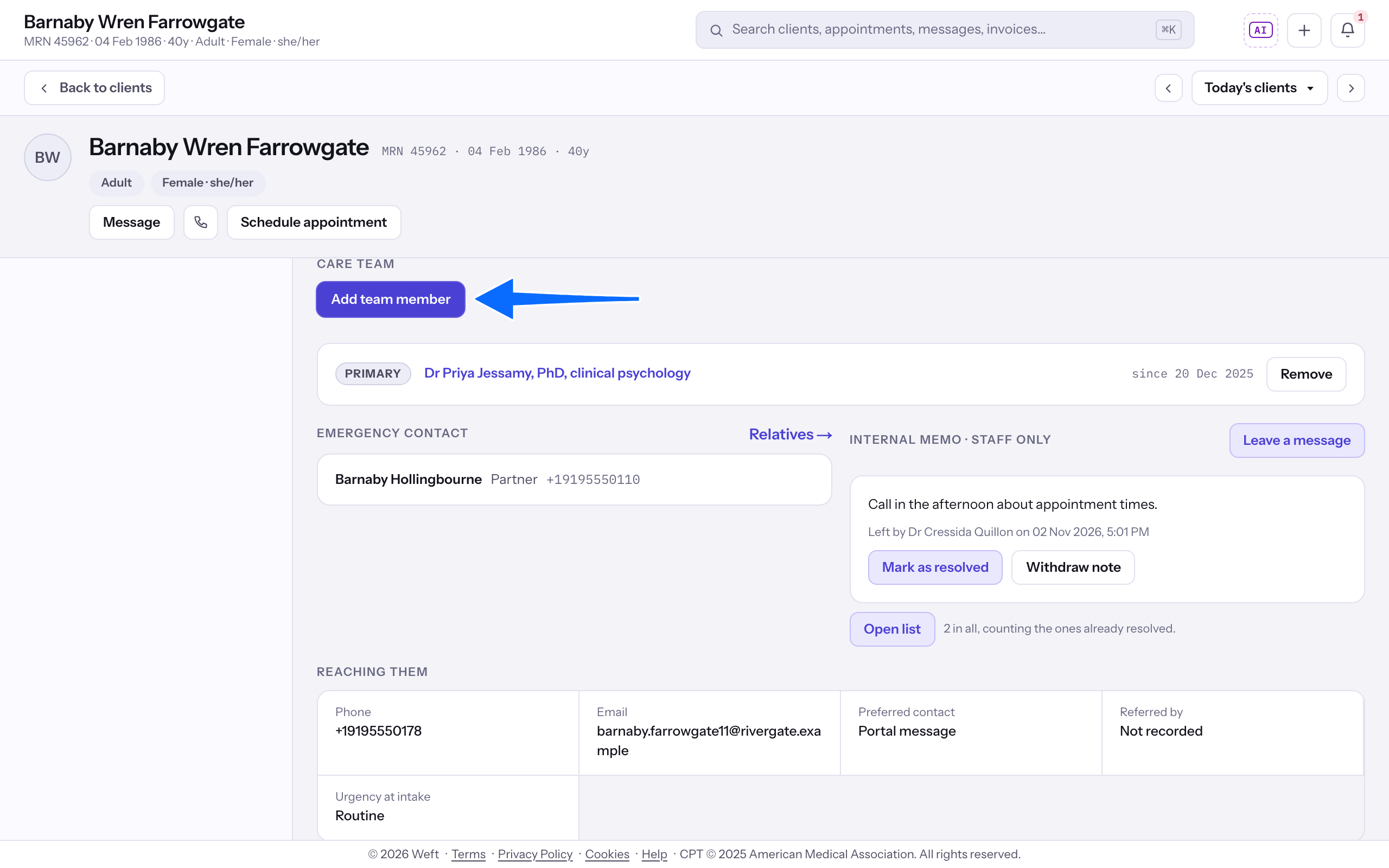
- Select Add team member.
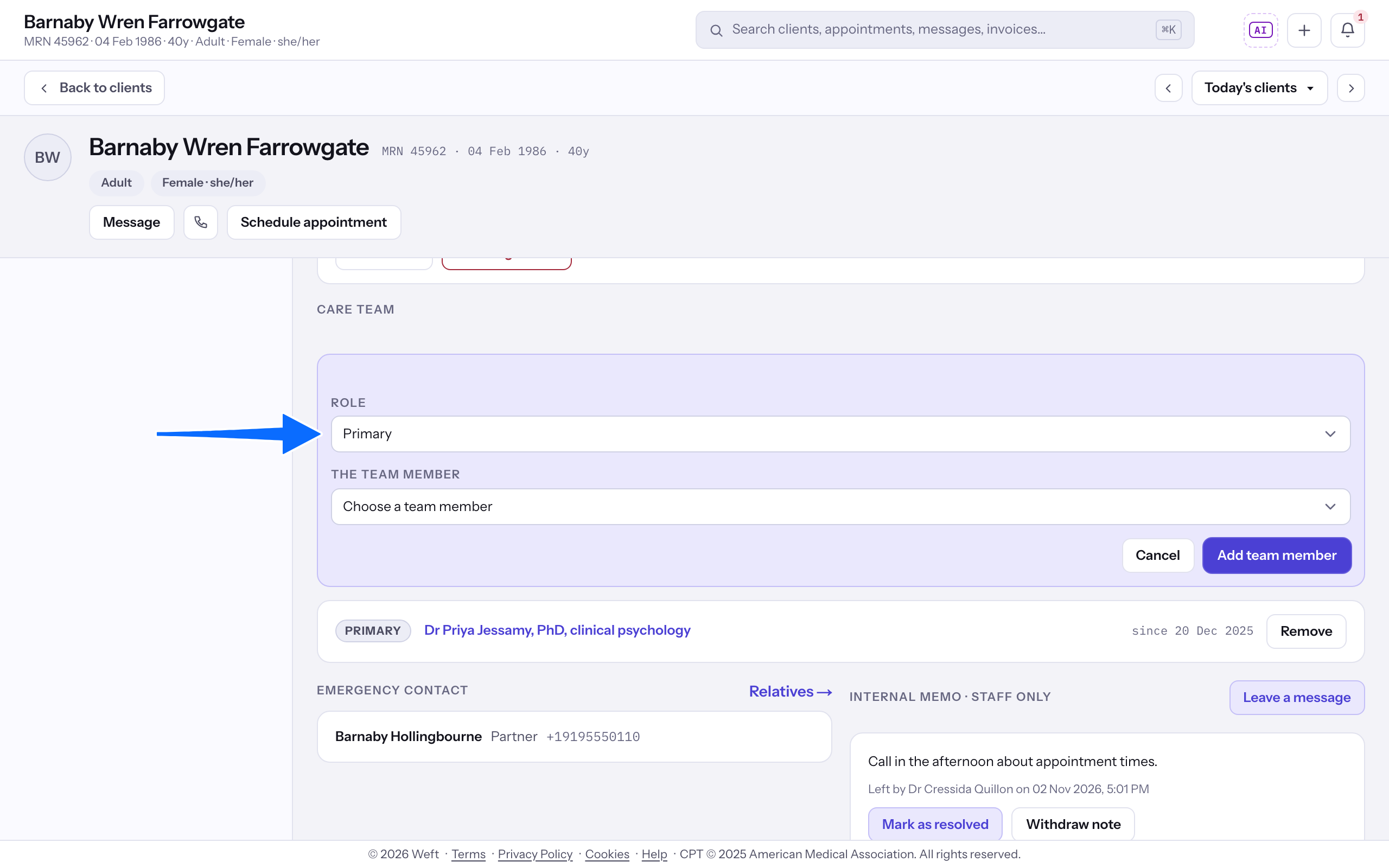
- Choose Role, then choose The team member and select Add team member.
End an assignment
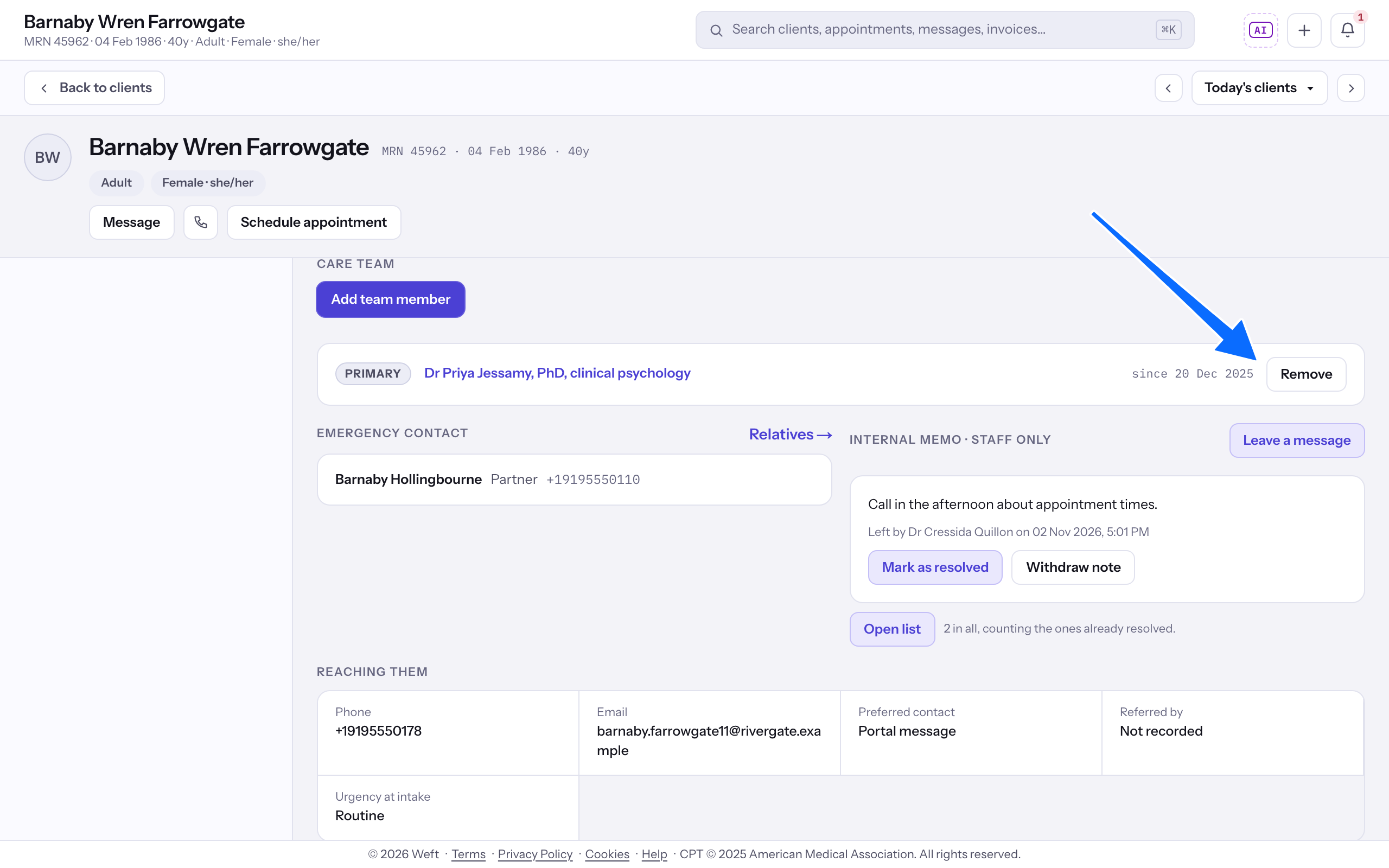
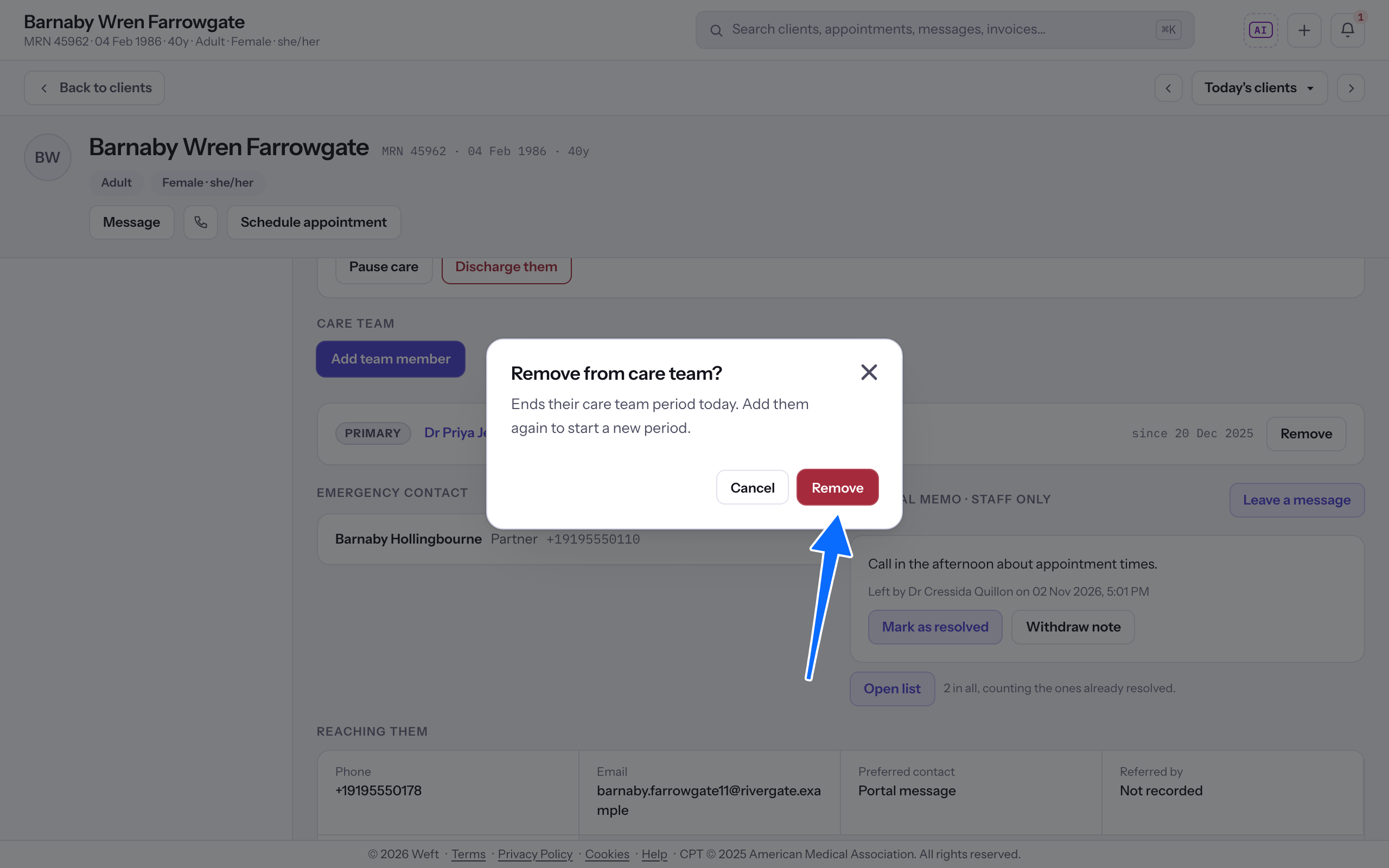
- Select Remove on the assignment you want to end.
- Check Remove from care team?, then select Remove to end that assignment. The period closes and cannot be reopened; if they take the client on again, add them again and a fresh period begins.
Last checked against Weft on 31 Oct 2026. Something on your screen reads differently? Tell us at support@weftary.com.